Beginner
Beginner's Guide to AI Image Generation — Start Free with Promzio
New to AI image generation? Learn why most beginner prompts fail, how to avoid the keyword salad mistake, and how to instantly create stunning AI art using Promzio's free, hand-tested prompt library. No sign-up required.
Introduction: Your First AI Image Probably Looked Nothing Like What You Imagined
Here's a moment almost every beginner recognizes. You open an AI image generator for the first time — Midjourney, ChatGPT, Stable Diffusion — and you type something that feels completely reasonable: "a beautiful sunset over the ocean, very realistic."
Then you wait. The image generates. And it looks... generic. Flat. Not like the dramatic, cinematic image you pictured in your head. You try again: "beautiful sunset ocean, 4k, ultra realistic." Still not right.
This experience is so universal that it deserves a name. Let's call it the Prompt Gap — the space between what you imagine and what the AI actually produces. Almost every new AI user experiences it. And the reason is simpler than you think.
The AI doesn't read your mind. It reads your vocabulary.
The words you choose, the order you place them in, and the specific details you include or leave out — these things determine everything. A professional AI image is not the result of a better tool; it's the result of a better prompt. That is the single most important insight you can take away from this guide.
And that exact insight is why we built Promzio.
What is Promzio?

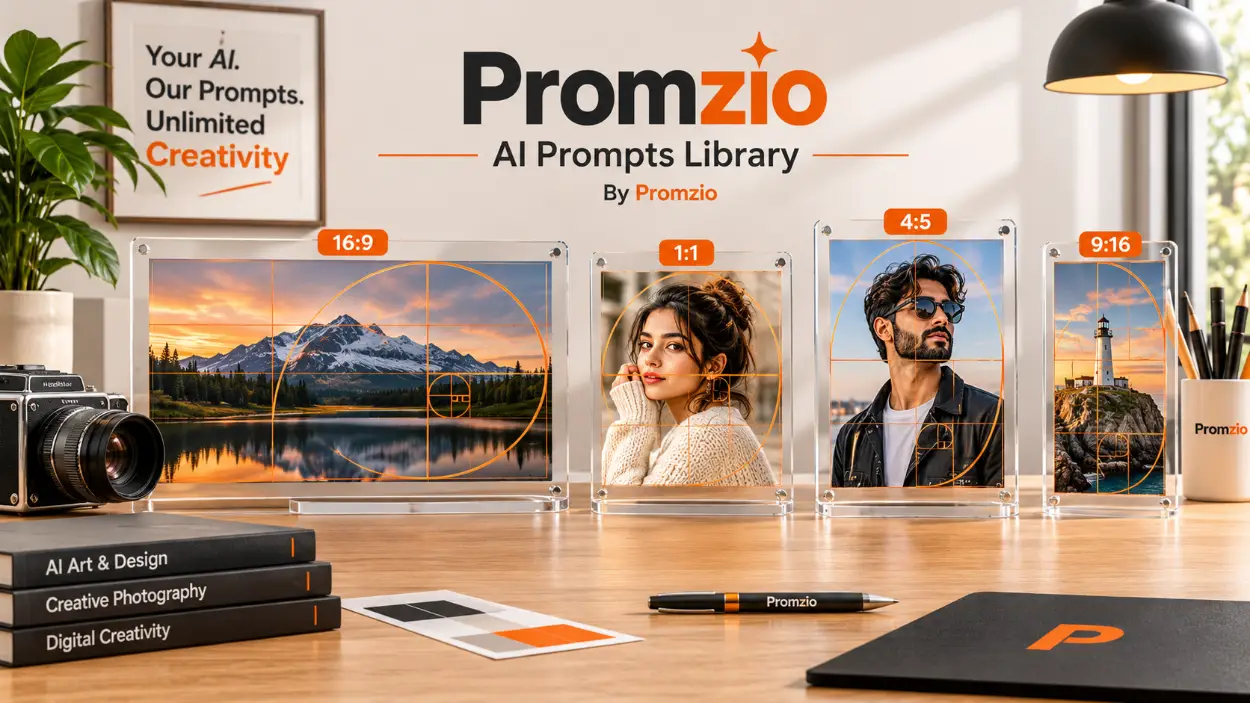
Promzio is a free, open library of hand-tested AI image prompts. Right now, the library contains hundreds of free prompts across 10 categories — and new prompts are added every single day.
Every prompt in our library has been written, tested, and refined to produce genuinely impressive results across multiple AI tools. Not just once, not just in one tool — but consistently, across ChatGPT, Midjourney, Stable Diffusion, Gemini, and more.
We built Promzio because we believe the quality of your AI art should not be limited by how good you are at writing prompts. If you can find an image you love in our library, copy its prompt, and paste it into your AI tool — you will get a stunning result. That's our promise, and it's completely free.
No account creation. No email required. No paywalls. You come to Promzio.com, you find a prompt you like, you copy it. Done.
Understanding AI Prompts: The Simple Version
Before we get into how to use Promzio, you need to understand one fundamental concept: what an AI prompt actually is.
An AI image generator is not creative in the way a human artist is. It is an incredibly powerful pattern-matching system. When you type words into the prompt box, the AI searches its memory of billions of image-text pairs it was trained on, and it tries to reconstruct an image that matches the pattern of your words.
This is why vague words produce vague results.
When you type "a beautiful woman," the AI doesn't know: What is she wearing? Where is she standing? What kind of lighting is there? Is it a photograph, a painting, or an illustration? Without these anchors, the AI guesses — and often guesses wrong for your creative vision.
A professional AI prompt doesn't tell a story. It gives the AI a precise, detailed specification. Think of it like directing a photographer on a professional shoot. You wouldn't say "take a nice photo." You would say: "I want a medium shot, the subject is standing by the window, natural light coming from the left, slightly underexposed for a moody feel, 85mm lens."
That level of specificity is what separates a great AI image from a mediocre one.
The Most Common Beginner Mistake: Keyword Salad
When beginners realize that short, vague prompts don't work, they typically make a very predictable second mistake. They add as many positive-sounding words as they can think of.
A typical "upgraded" beginner prompt looks something like this:
"Beautiful woman, 8k, ultra realistic, masterpiece, best quality, insane detail, trending on artstation, hyper realistic, unreal engine 5, photorealistic, stunning, gorgeous, amazing."
This is called a Keyword Salad, and it actively makes your images worse — for three specific reasons:
It dilutes your main subject. The AI gives weight to every token in your prompt. If you write 15 words about "quality" and only 3 words about the actual subject, the AI spends most of its attention on abstract quality concepts rather than building your image accurately.
It creates the "AI Look." Words like "unreal engine" and "hyper realistic" are strongly associated in the AI's training data with 3D renders and CGI. Using them actually pushes the AI toward a plasticky, artificial look — the exact opposite of what you want.
Contradictions confuse the output. You cannot be both "photorealistic" and an "octane render" at the same time. These are different styles. The AI tries to blend them and produces an incoherent result.
The fix is not more words. The fix is the right words — specific, structured, purposeful. That is exactly what you get when you use prompts from the Promzio library.
Exploring Promzio: 10 Categories, hundreds Prompts
Promzio organizes its entire library into 10 clear categories, each focused on a specific type of AI image creation. Here is a quick overview of what you will find:
Realistic Photos — The largest category with the most prompts in the library. Cinematic portraits, editorial lifestyle shots, couple photography, and ultra-photorealistic scenes. Perfect if you want images that look like they were taken by a professional photographer.
Anime & Art — dozens of prompts in the style of Studio Ghibli, manga illustration, and anime-realism. Great for storytelling scenes, animated character art, and illustrated environments.
3D Characters — a growing collection of prompts for generating stylized 3D character art, Pixar-style renders, and digital character concepts.
Social Media — a focused collection of prompts specifically optimized for vertical content, Instagram posts, lifestyle photography, and social-first visual content.
Fantasy & Sci-Fi — a selection of prompts for dark fantasy, cyberpunk, futuristic concepts, and imaginative world-building.
AI Avatars — a selection of prompts that transform a photo into a stylized digital portrait, caricature, or geometric character illustration.
Posters & Wallpapers — a curated set of prompts for bold compositions, editorial magazine covers, and high-resolution wallpaper art.
Product Photos, Logos & Icons, Interior Design — These categories are actively growing with new prompts being added regularly.
No matter what kind of AI image you are trying to create, there is a Promzio category that matches your goal. And within each category, every prompt is accompanied by the actual image it generates — so you know exactly what result to expect before you copy a single word.
How to Use Promzio: A Step-by-Step Walkthrough
Using Promzio is genuinely simple. Here is the entire process from start to finish.
Step 1: Open Your AI Tool
Before you go to Promzio, open your AI image generator of choice in a separate browser tab. If you are an absolute beginner and haven't picked a tool yet, we recommend starting with one of these free options:
ChatGPT (free tier) — Can generate images using DALL-E directly within the chat interface.
Gemini — Google's AI assistant, which includes image generation capabilities.
Stable Diffusion — Open source and free, though requires slightly more setup.
Midjourney — Produces exceptional quality images; has a free trial and paid subscription tiers.
Step 2: Browse Promzio Categories
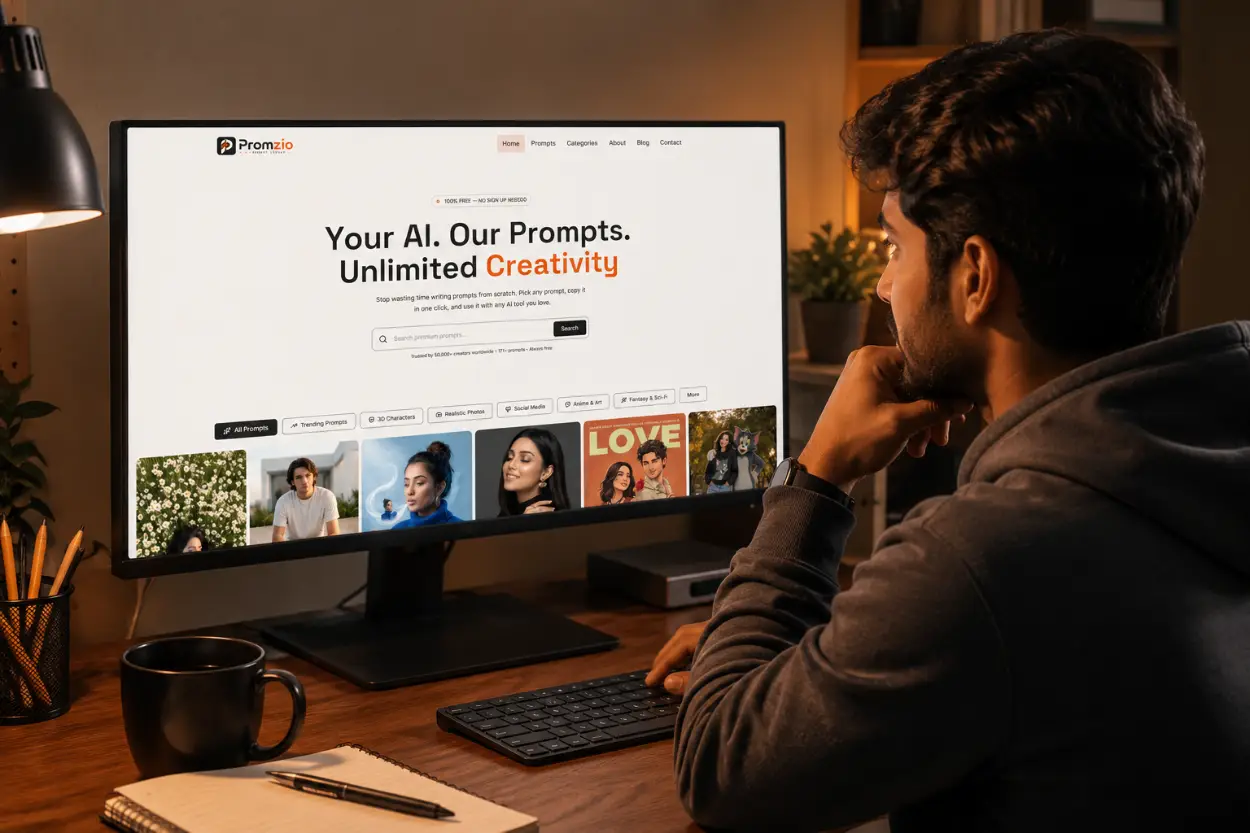
Head over to Promzio.com and click on the Categories page — or simply browse the homepage where prompts are organized in visual tabs. Scroll through the gallery of images and find a style that matches what you are trying to create.
Because every prompt on Promzio is displayed alongside the image it generates, you are making a visual decision, not a text-based guess. If the image looks right, the prompt will work.
Step 3: Click the Copy Prompt Button
When you find a prompt you want to use, click the Copy Prompt button. This is Promzio's one-click copy feature — it instantly copies the entire prompt text to your clipboard with a small animated sparkle effect to confirm the action.
The full prompt text — including all the carefully chosen descriptors, lighting specifications, camera angles, and style modifiers — is copied in one click, with zero manual text selection required.
Step 4: Paste Into Your AI Tool and Generate
Switch to the tab with your AI image generator, paste the prompt into the input box, and hit generate. That is the entire process.
Because every Promzio prompt has been tested and refined, you will typically get a strong result on your very first try — without needing to make any adjustments.
Step 5 (Optional): Customize the Prompt
Once you have the base result you wanted, you can start personalizing. The easiest way to do this is to keep all the lighting, camera, and style words exactly the same, and only change the main subject. For example, if a prompt says "a woman in a red dress standing in a sunlit courtyard" and you want a man instead, simply change that one word. The rest of the prompt handles all the quality parameters automatically.
Over time, as you copy and modify prompts from Promzio, you will naturally start to learn which words produce which effects — and you will find yourself writing better prompts from scratch without even realizing it.
The Promzio AI Prompt Builder
For those times when you have a specific idea in mind but cannot find an exact match in the library, Promzio offers a free interactive AI Prompt Builder right on the homepage.
Here is how it works:
You type your core idea into the text box — something simple like "a woman in a forest" or "a futuristic city at night."
You select filters from four categories: Subject (Portrait, Landscape, Character, etc.), Style (Cinematic, Anime, Realistic, Watercolor, etc.), Lighting (Golden Hour, Dramatic, Neon, Volumetric, etc.), and Mood (Calm, Epic, Dark, Dreamy, etc.).
You hit the Enhance button, and our AI — powered by Google Gemini — instantly rewrites your basic idea into a professionally structured, highly detailed prompt ready to use.
The result is a complete, polished prompt that incorporates your chosen style, lighting, and mood — all the technical language you didn't know you needed, automatically included. No experience required.
Why Promzio's Prompts Are Different
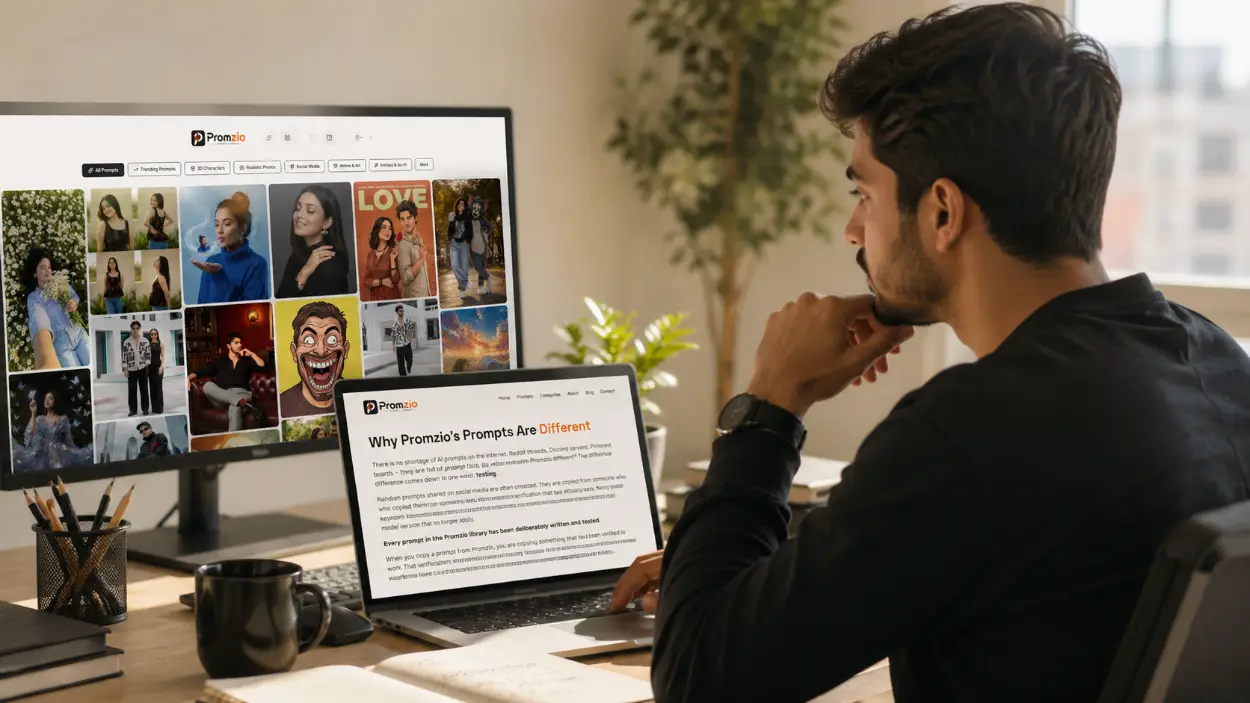
There is no shortage of AI prompts on the internet. Reddit threads, Discord servers, Pinterest boards — they are full of prompt lists. So what makes Promzio different?
The difference comes down to one word: testing.
Random prompts shared on social media are often untested. They are copied from someone who copied them from someone else, with no verification that they actually work. Many contain keyword salad, contradictory instructions, or parameters specific to one model version that no longer apply.
Every prompt in the Promzio library has been deliberately written and tested. The image you see on the prompt card is the actual output — not a photoshopped example. The prompts are designed to work across multiple AI tools, not just one specific model. And because we test them ourselves, we catch and remove prompts that produce inconsistent results.
When you copy a prompt from Promzio, you are copying something that has been verified to work. That verification is what makes the library valuable — and that is what you would otherwise have to spend hours or days discovering on your own.
Promzio is Completely Free — And Always Will Be
Promzio runs on advertising. That is the model we chose specifically so that the prompt library stays completely free — not just today, but permanently.
There is no premium tier, no credits system, no account wall. You do not need to create an account to browse or copy prompts. You do not need to enter your email address. You do not need to provide any personal information at all.
You arrive on the site. You find what you need. You copy it. You leave and create something amazing. That is the entire relationship — and we are perfectly happy with that.
If you want to stay updated, we do offer a weekly newsletter where we send our best new prompts directly to your inbox. But that is entirely optional.
Where to Start Right Now
If you are reading this guide and you have never tried Promzio before, here is the fastest way to get started:
Go to the Prompts page and browse the Trending or Featured sections — these highlight our most impactful prompts right now.
Find an image that matches the style you want to create.
Click Copy Prompt.
Paste it into ChatGPT, Midjourney, or any other AI tool you use.
See what happens.
You will almost certainly be surprised by the quality of the result — especially compared to anything you may have generated with your own prompts before.
That gap between what you imagined and what the AI produced? Promzio exists to close it.
Frequently Asked Questions
Do I need to create an account or sign up to use Promzio?
Which AI image tools do Promzio's prompts work with?
What is the Promzio AI Prompt Builder and how is it different from the prompt library?
Can I modify the prompts I copy from Promzio?
Is Promzio really free? What is the catch?
What are the 10 categories on Promzio?

Ananya Sharma
Creative Director & Stylized AI Art Curator
Digital illustrator and art director based in Bengaluru. Expert in anime aesthetics, dark fantasy worldbuilding, and concept art prompts for games and publishing.