
Your AI. Our Prompts.
Unlimited Creativity
Stop wasting time writing prompts from scratch. Pick any prompt, copy it in one click, and use it with any AI tool you love.
Trusted by 50,000+ creators worldwide · 451+ prompts · Always free
Browse Prompts by Category
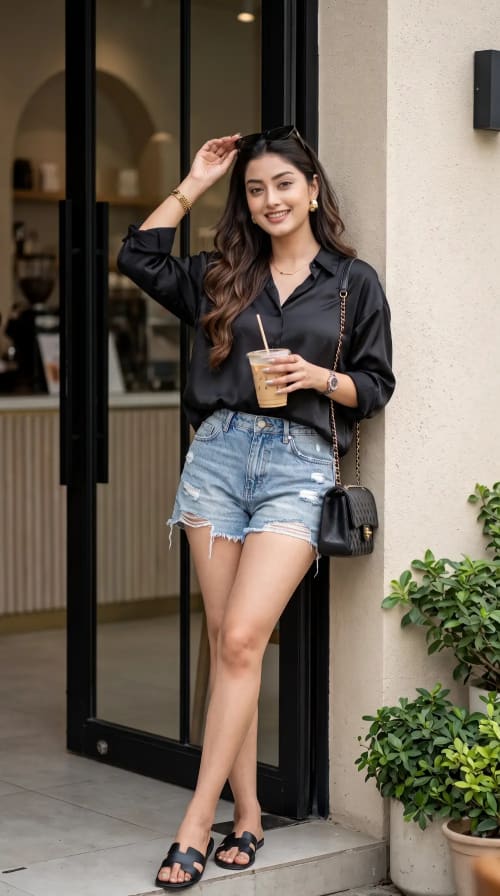
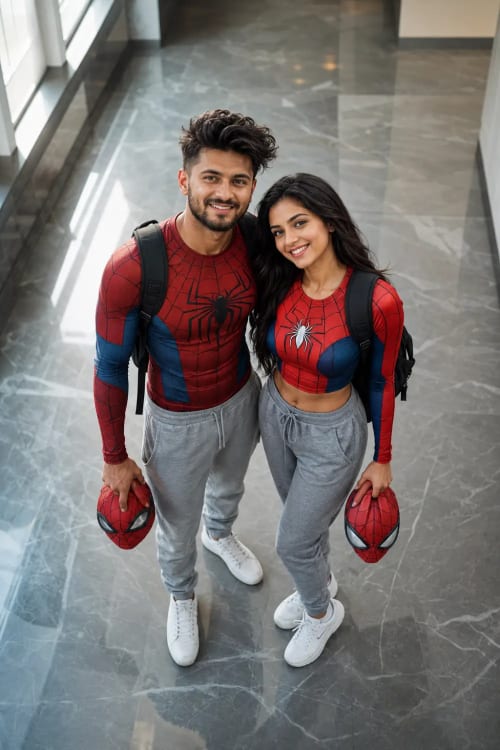
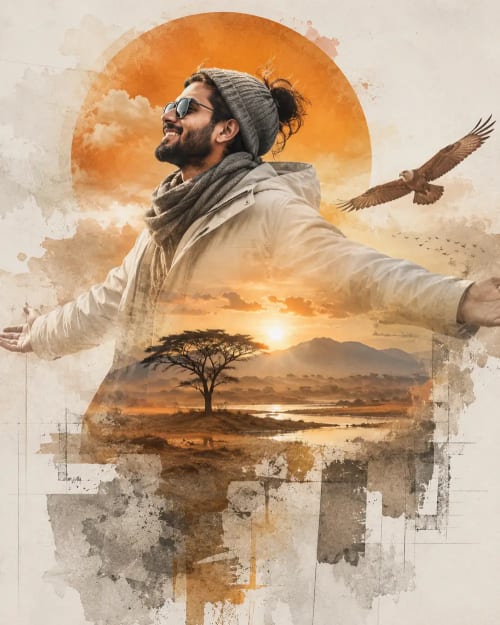

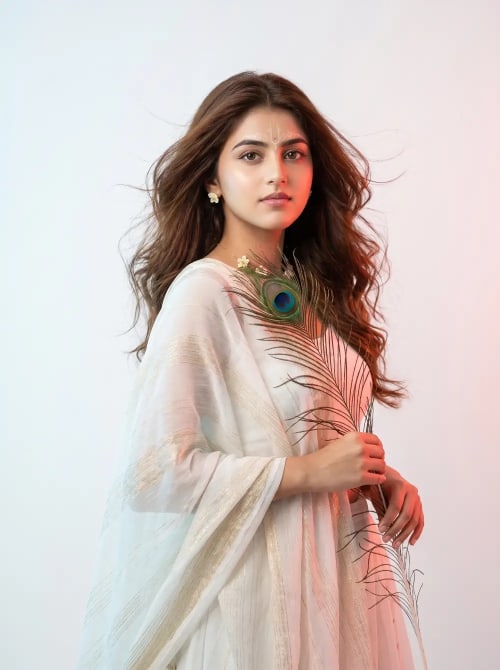
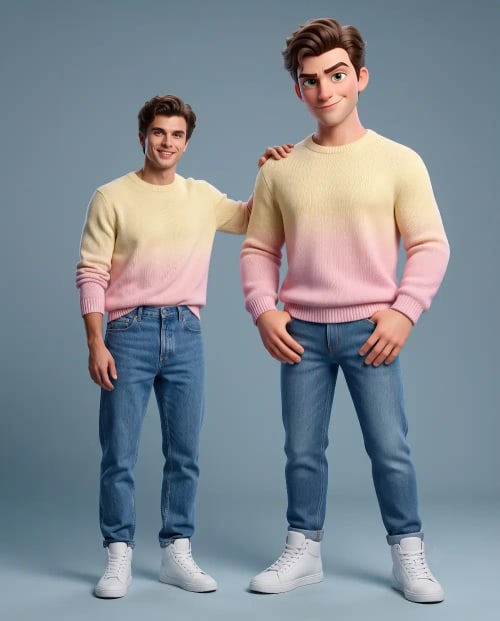
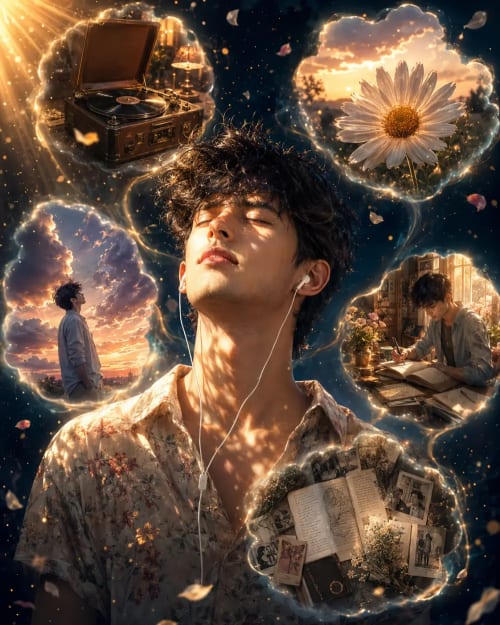
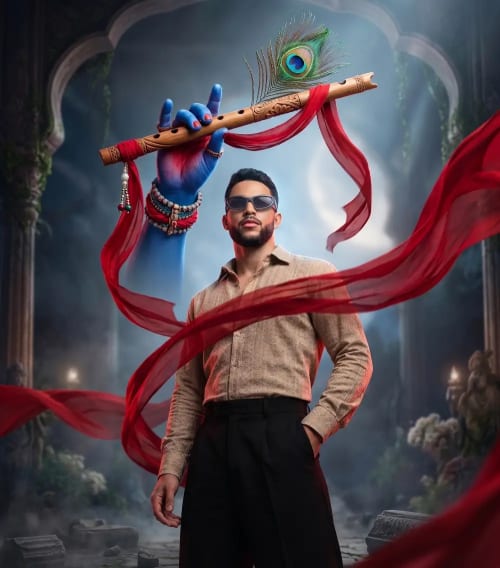
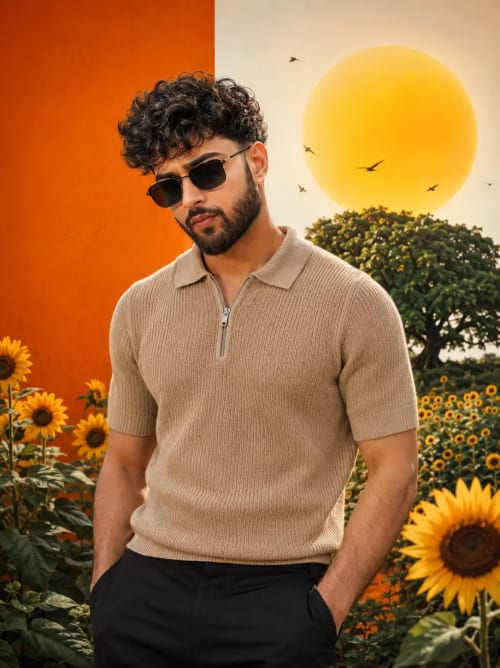
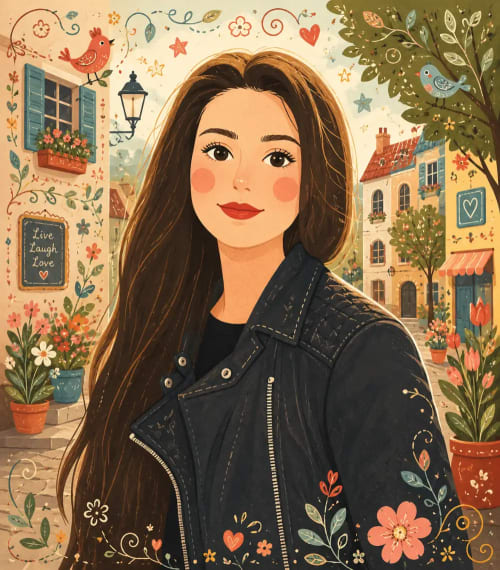

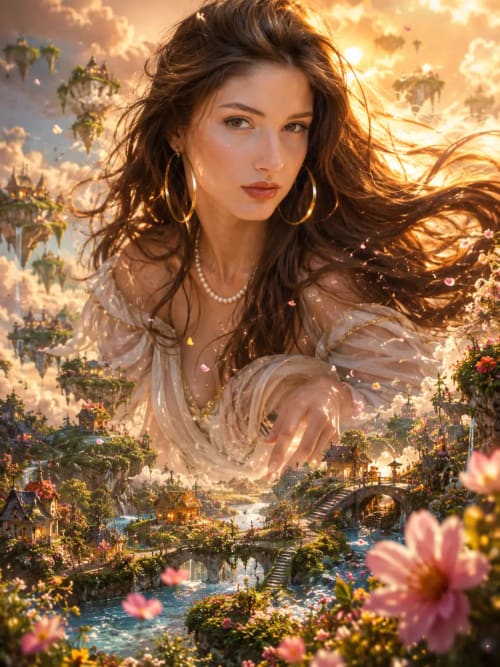
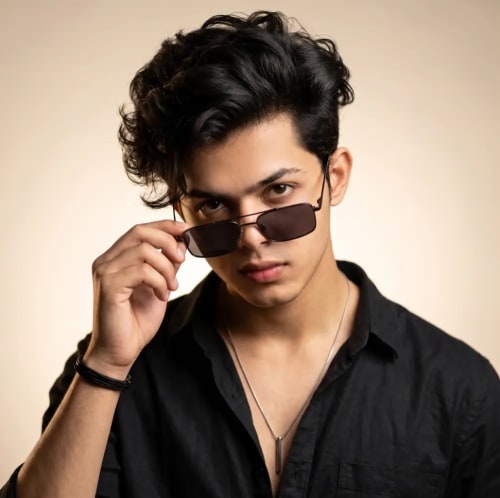
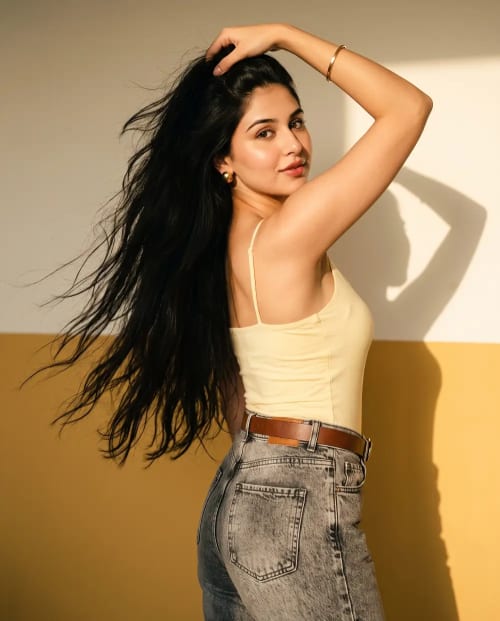
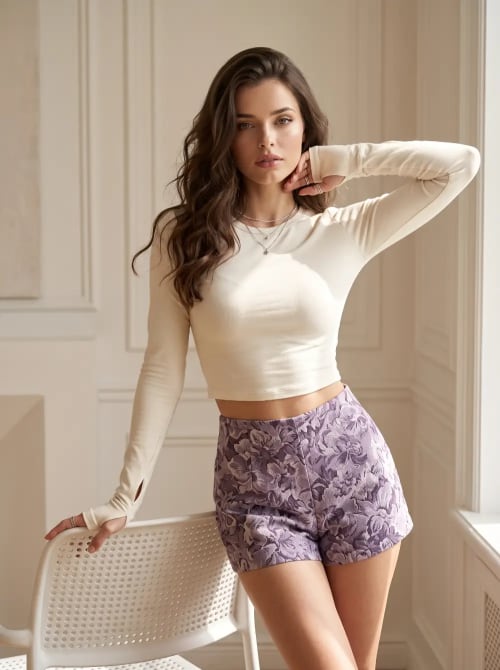
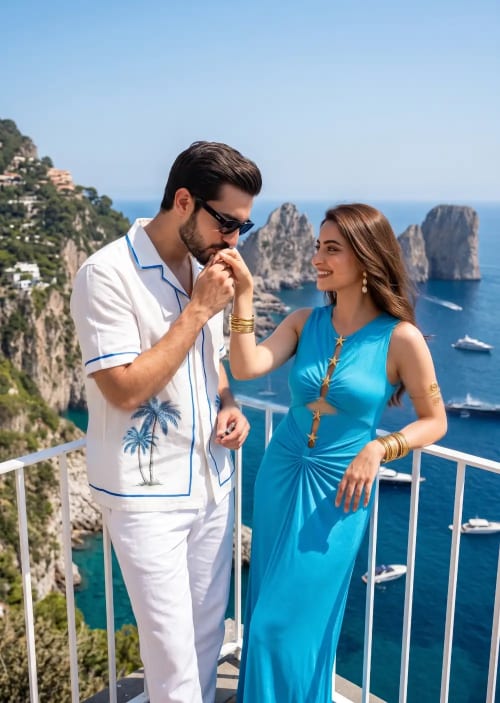
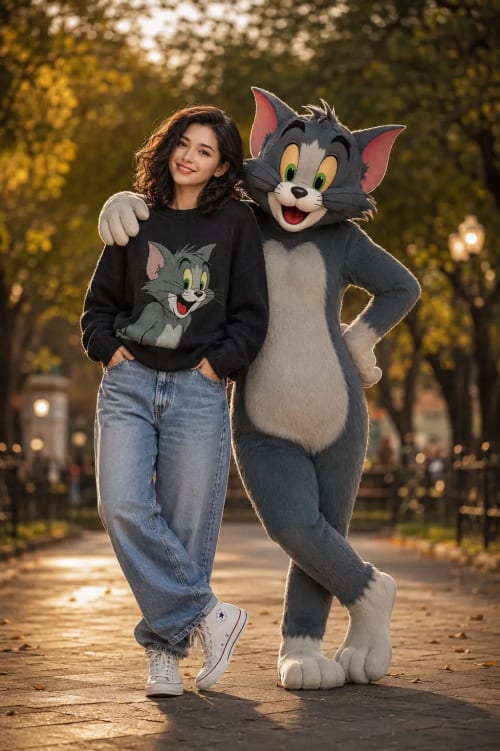

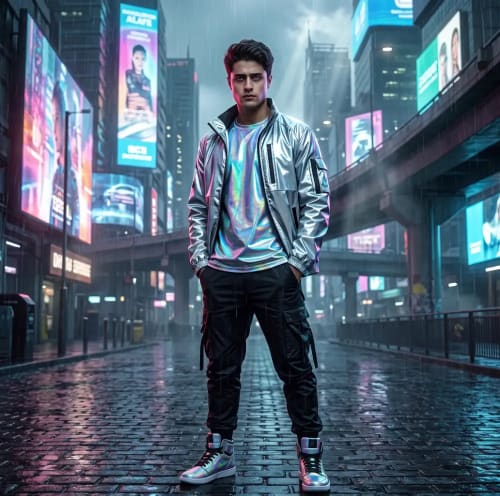
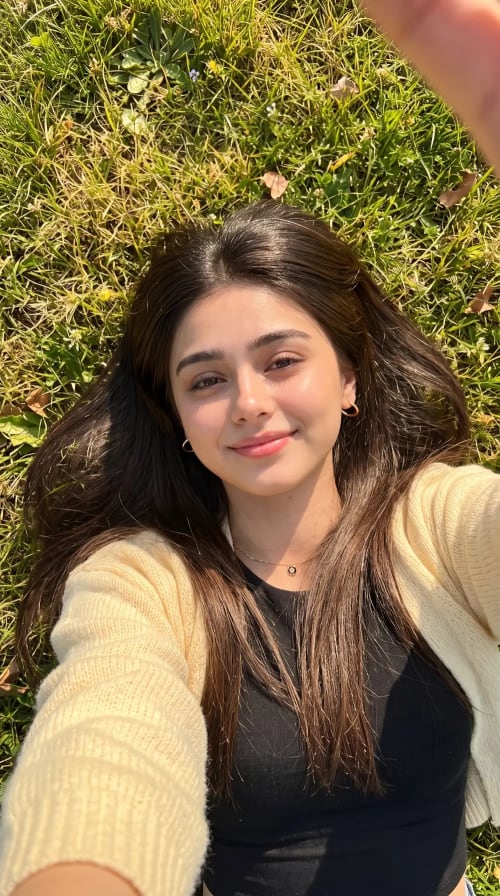
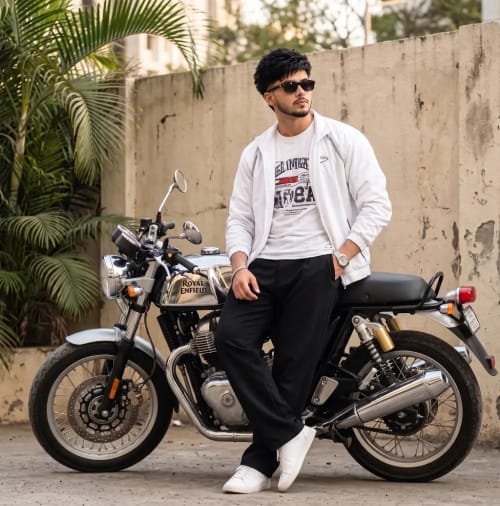
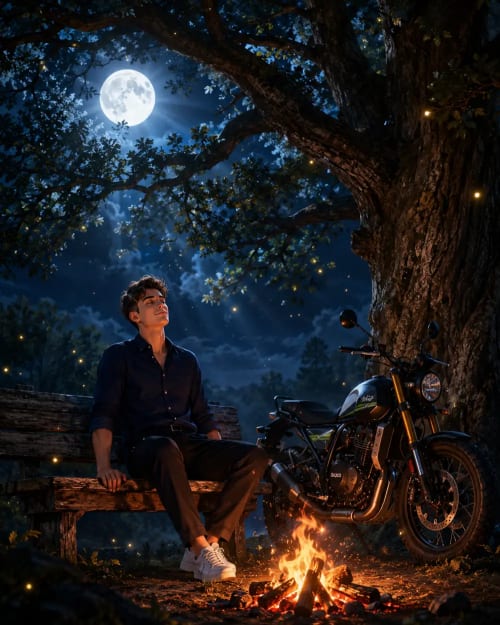
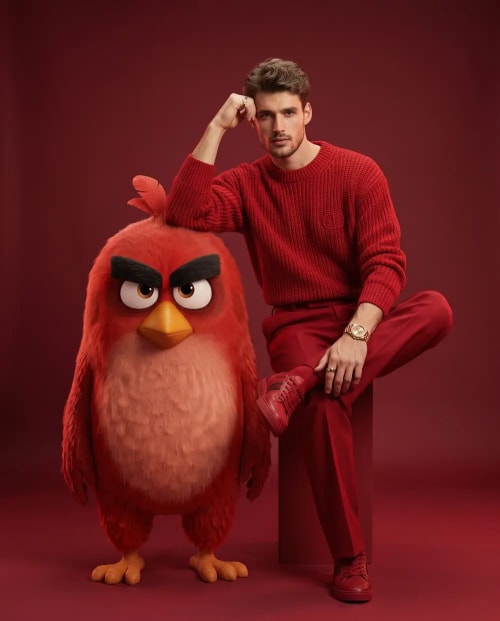


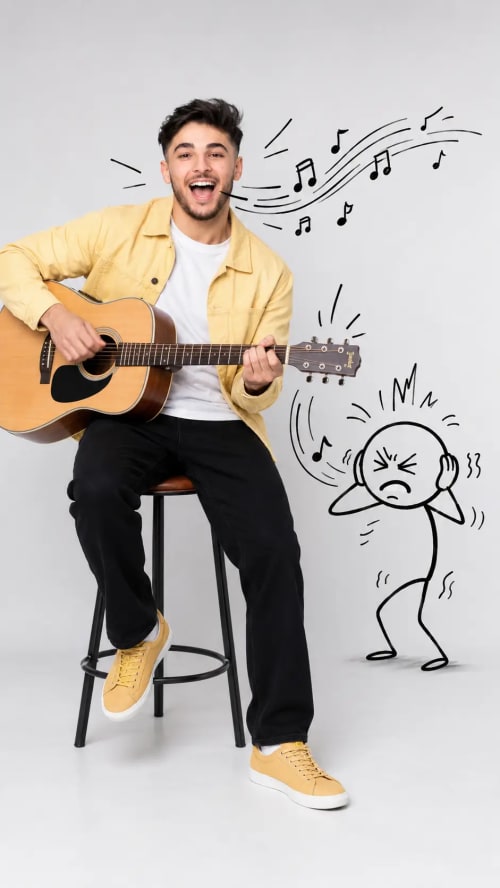
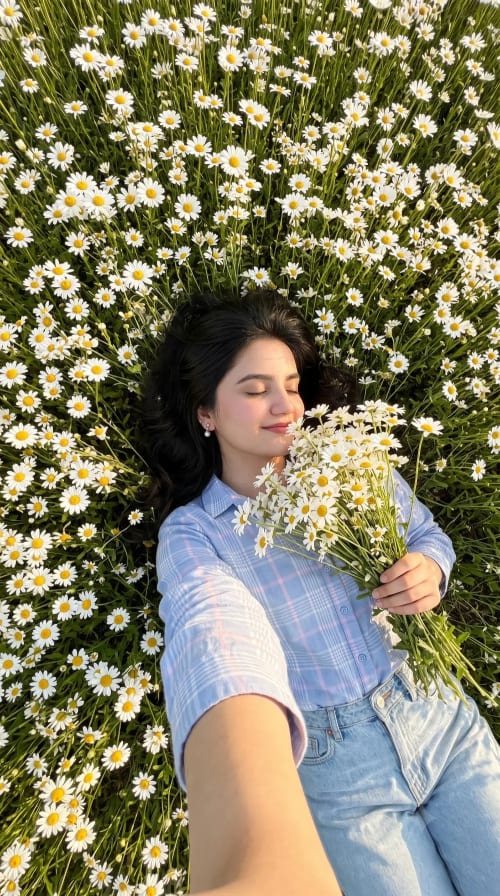
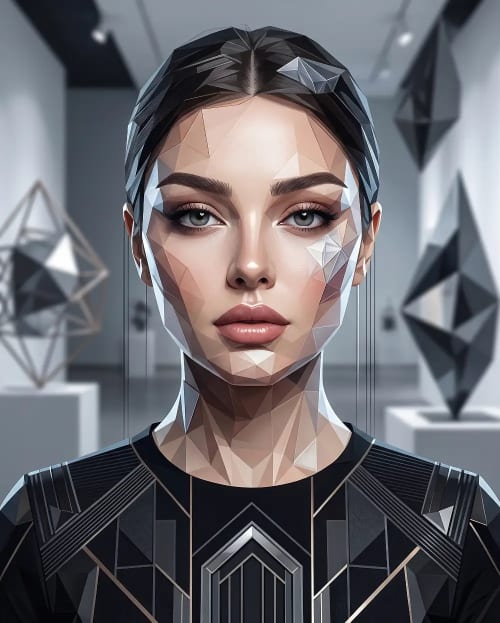
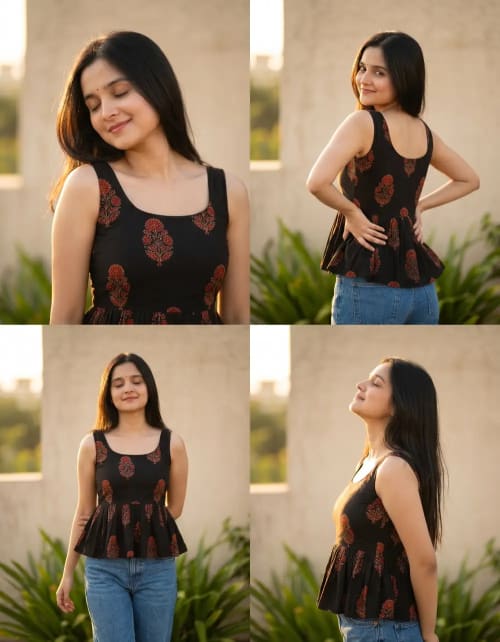
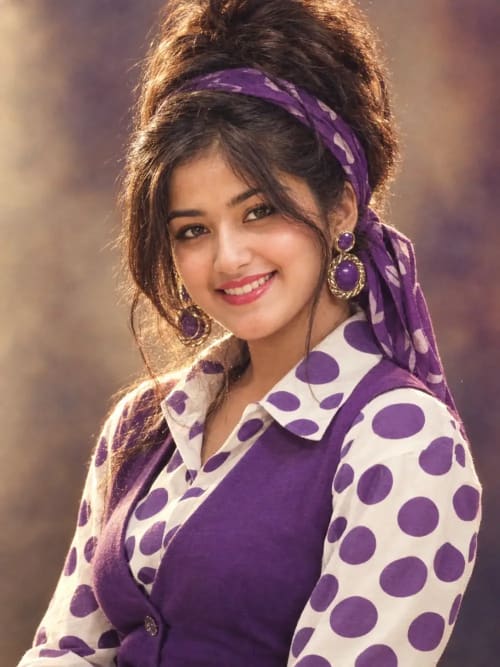
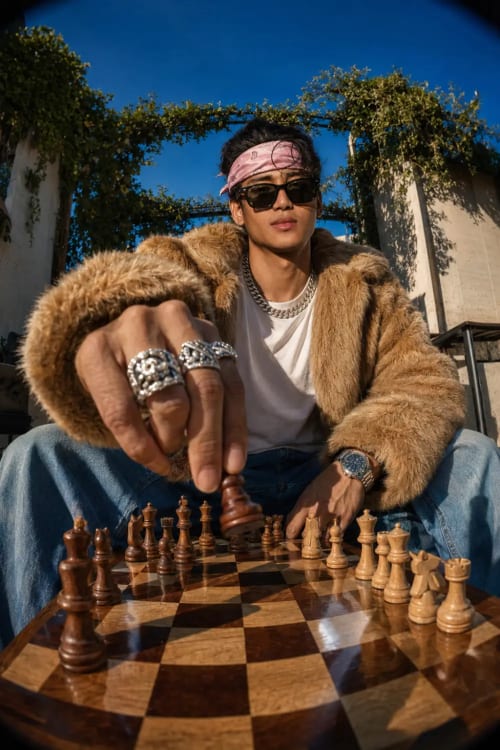
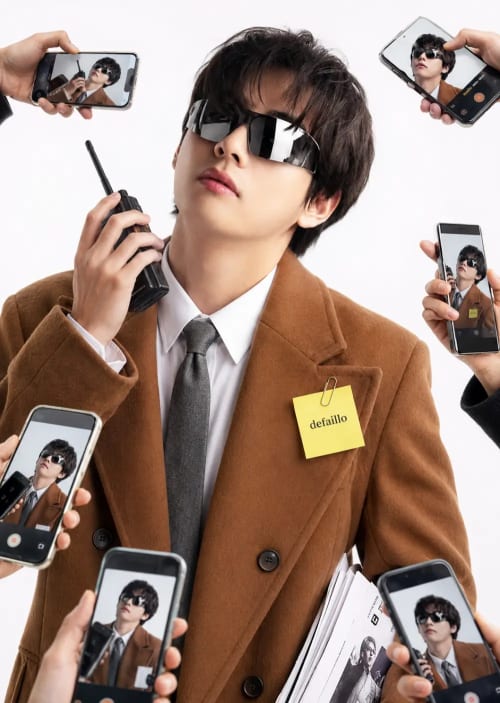
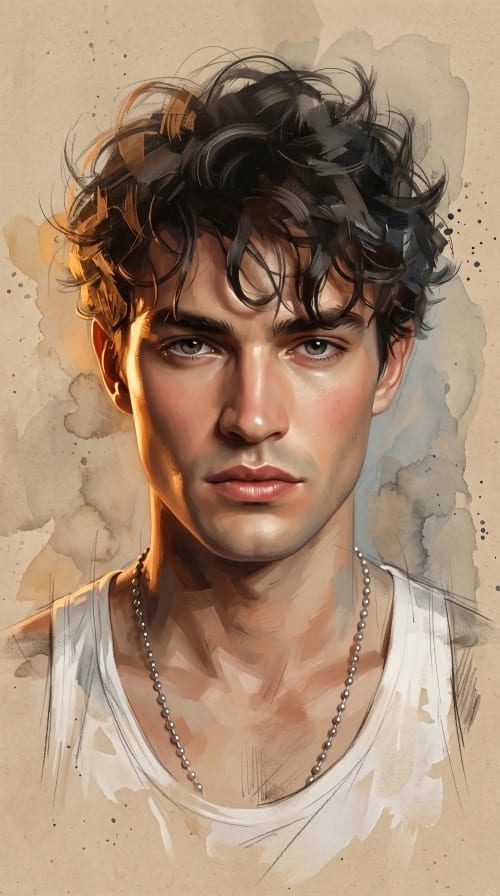
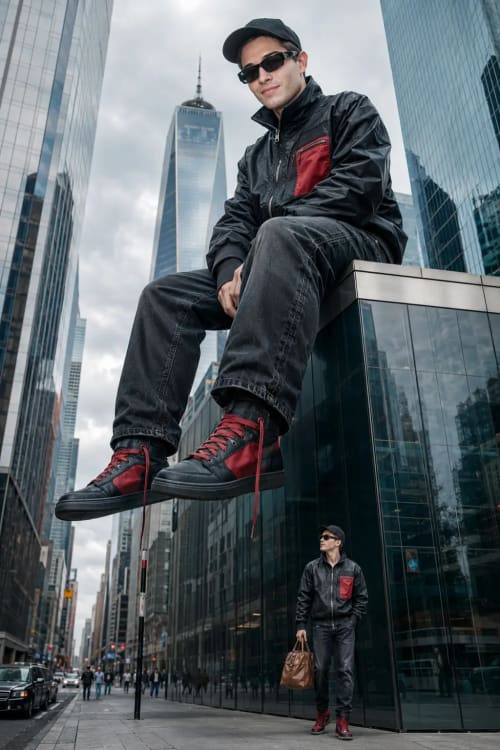
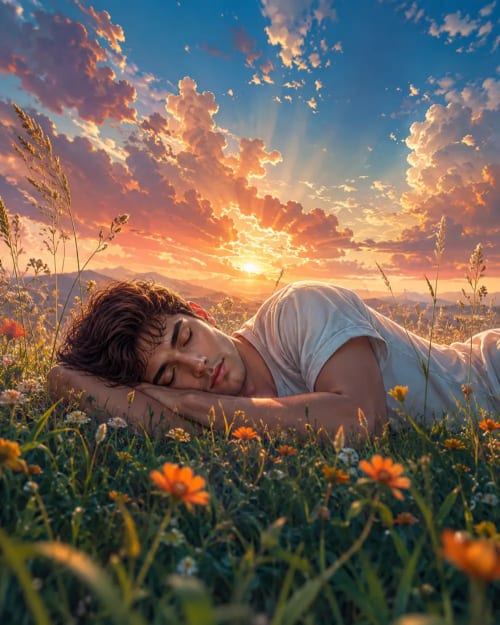
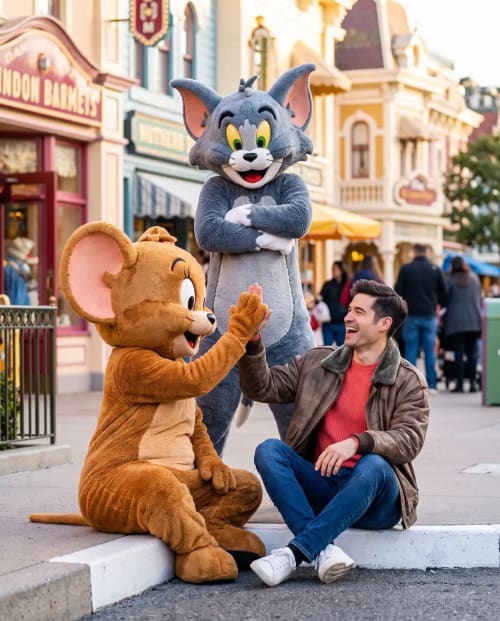
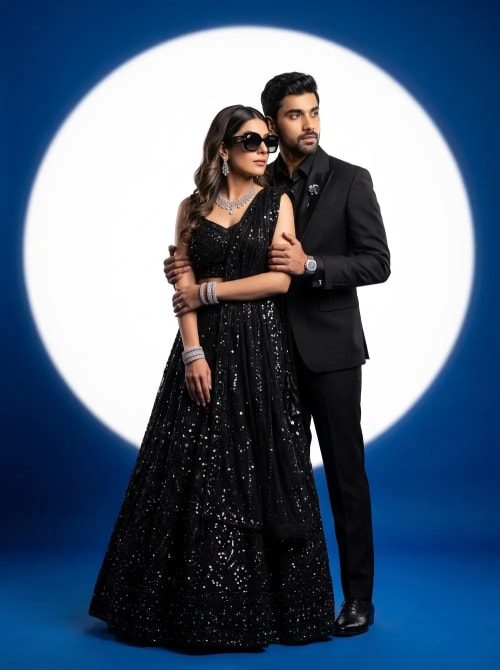

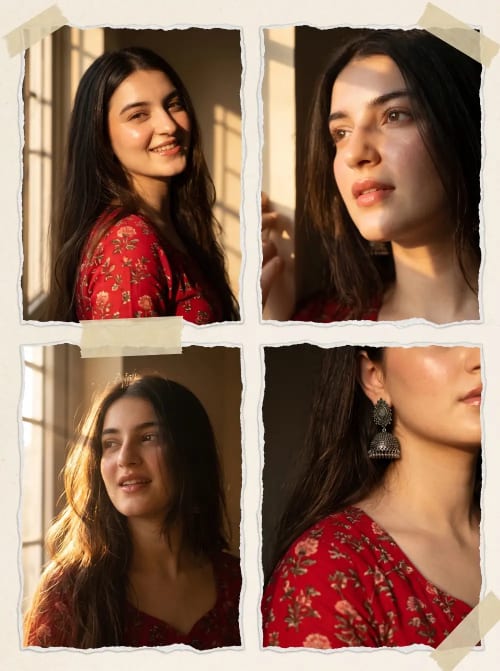
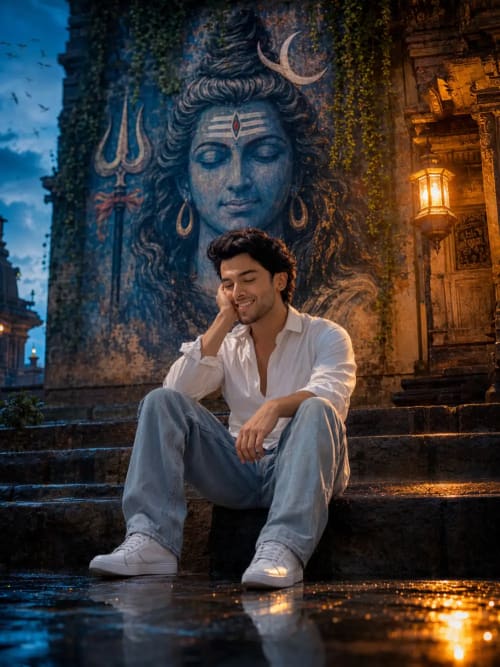
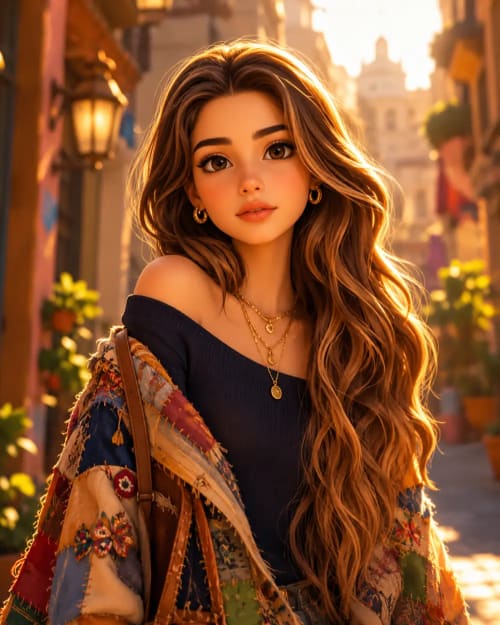




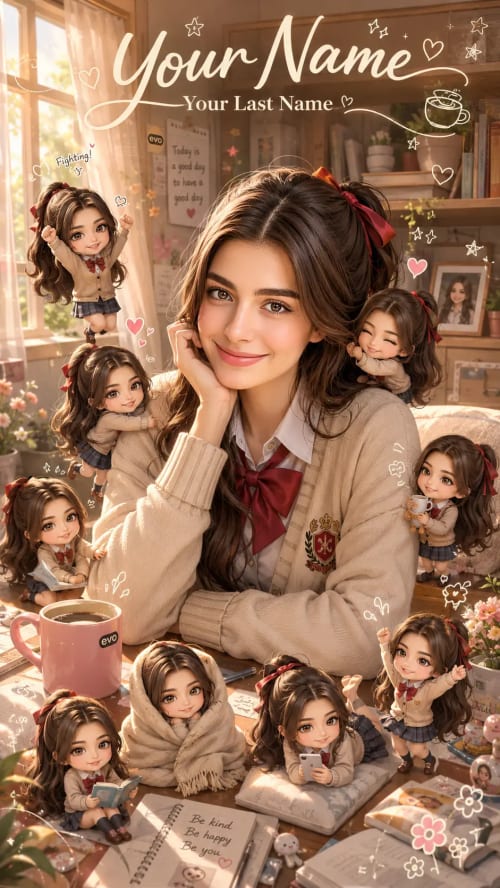

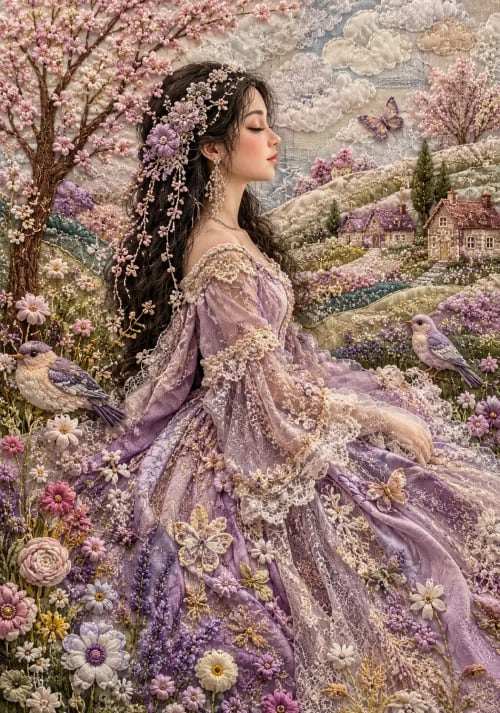
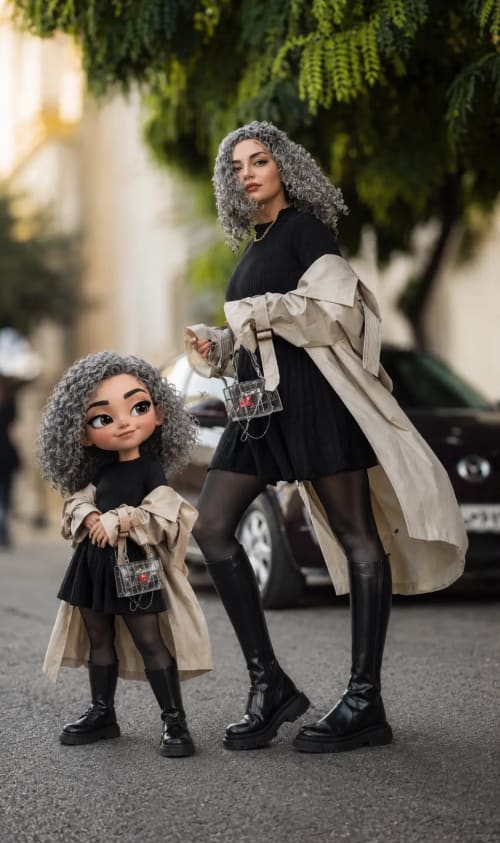
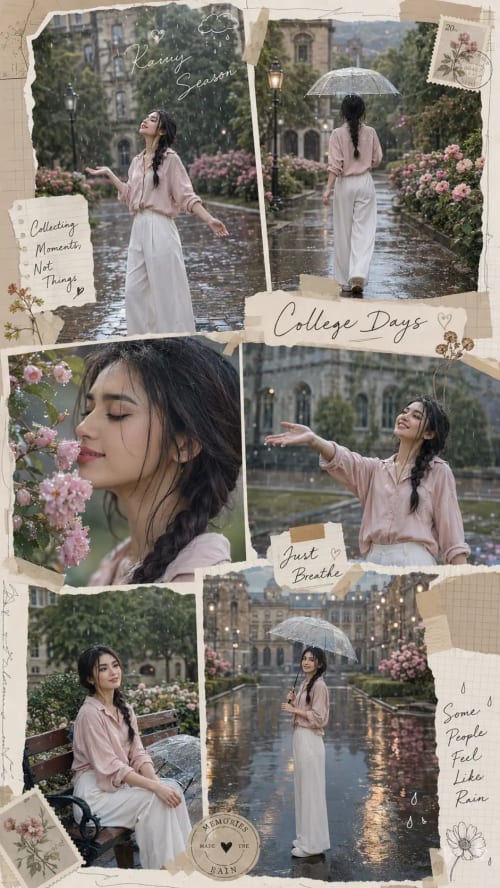


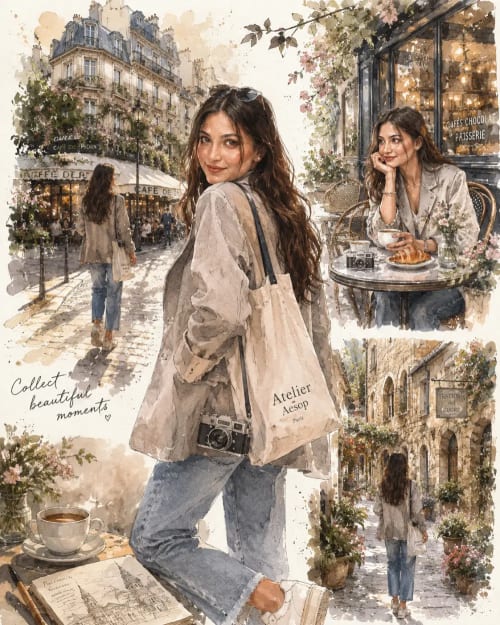

Trusted by Creators Worldwide
Latest Prompts
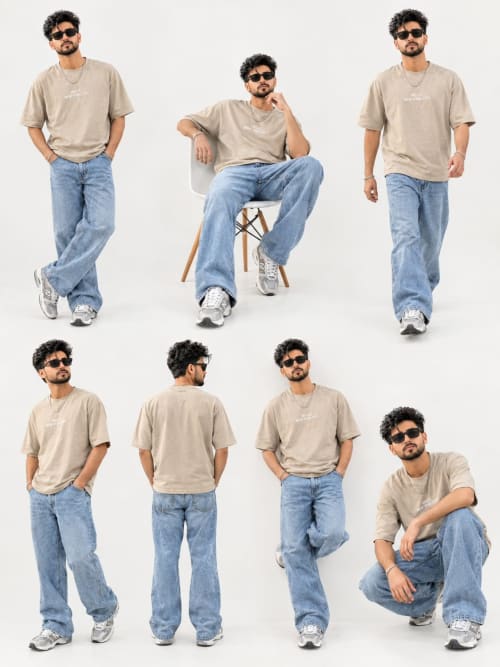
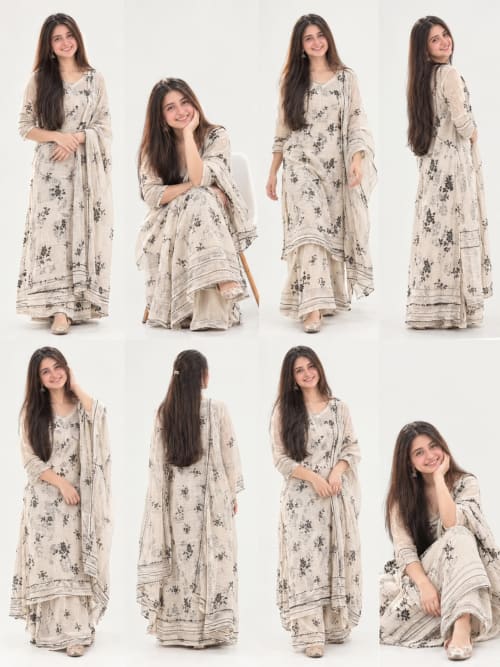
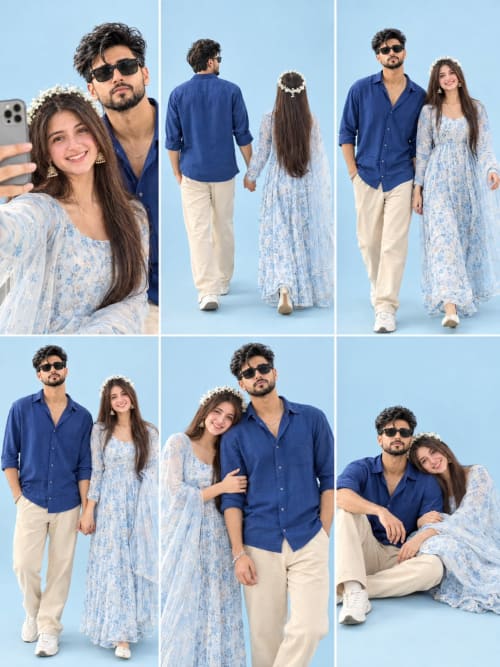
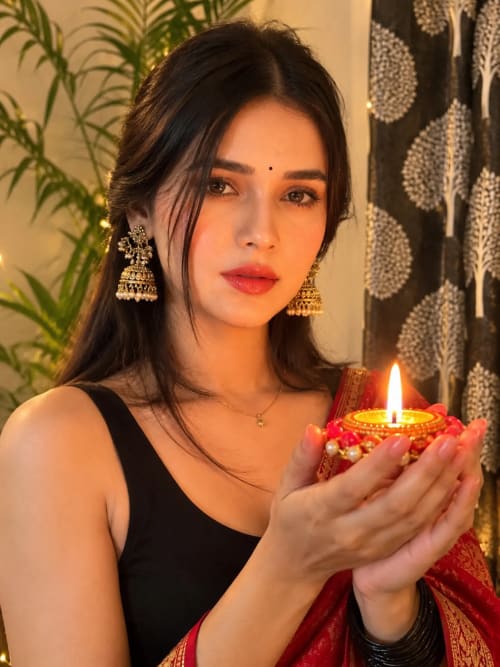
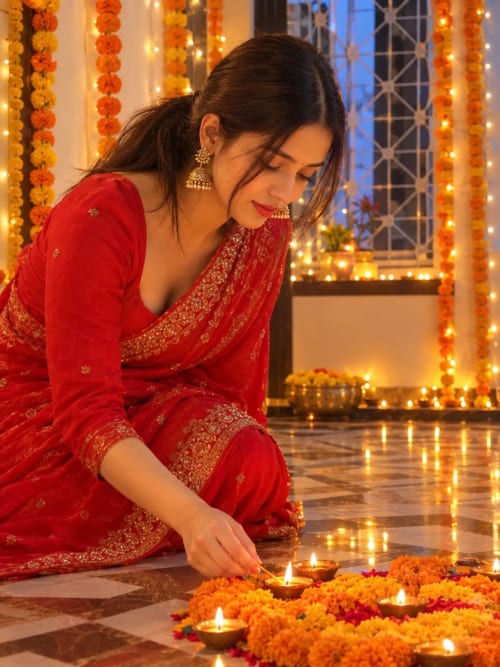
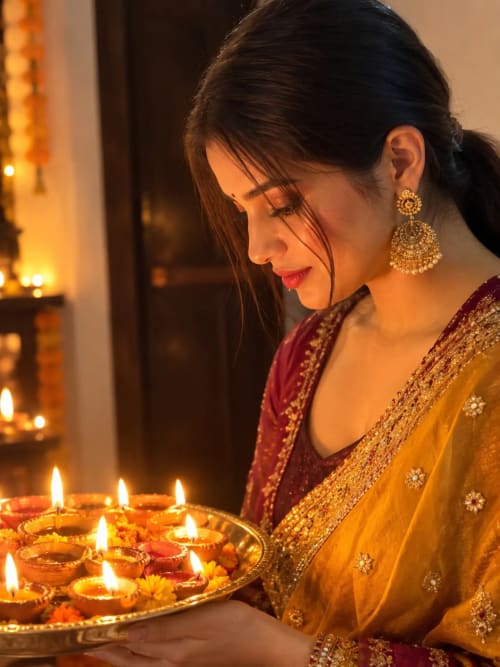
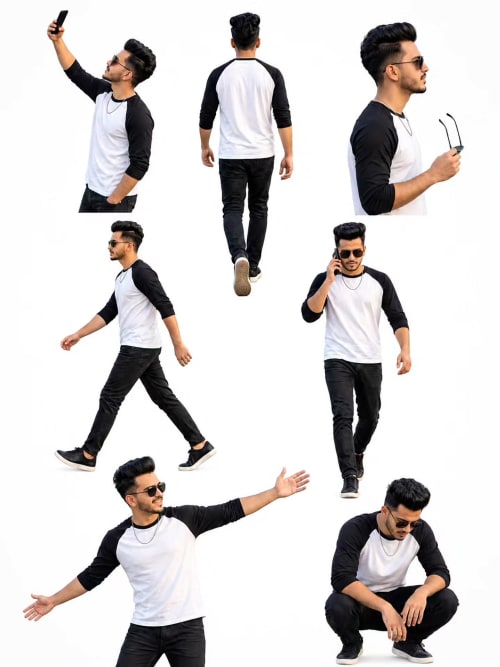
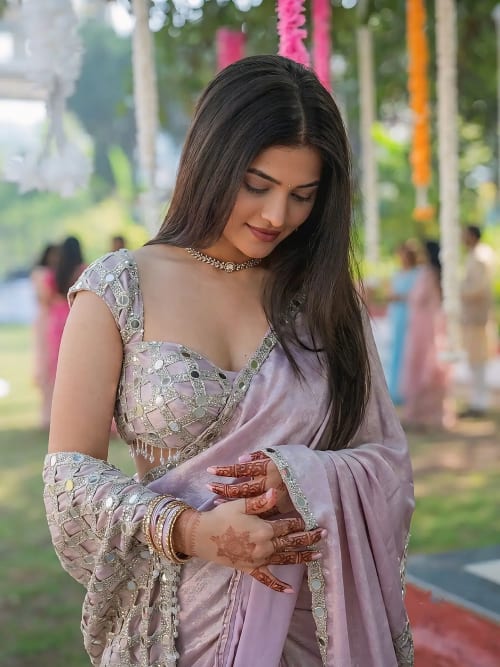
Fresh AI prompts added every day — completely free, no sign up needed. Copy any prompt with one click and paste it into your favorite AI tool to create stunning images, videos, art, and more in seconds.


Build Your Perfect AI Prompt
Not sure how to write a prompt? Just pick a few options below, or type what you have in mind in your own words — in any language. Hit "Enhance with AI" and get a ready-to-use prompt in seconds. Then copy your prompt and use it with any AI tool to generate images.
Subject
Style
Lighting
Mood
Your Prompt
Today's Spotlight Prompt
Every single day, we dig through our entire library and pick one prompt that truly stands out — whether it's stunning visuals, a unique style, or something currently trending. No need to search or scroll. Just copy this prompt, paste it into your favorite AI tool, and watch it come to life in seconds. Come back tomorrow for a brand new pick.
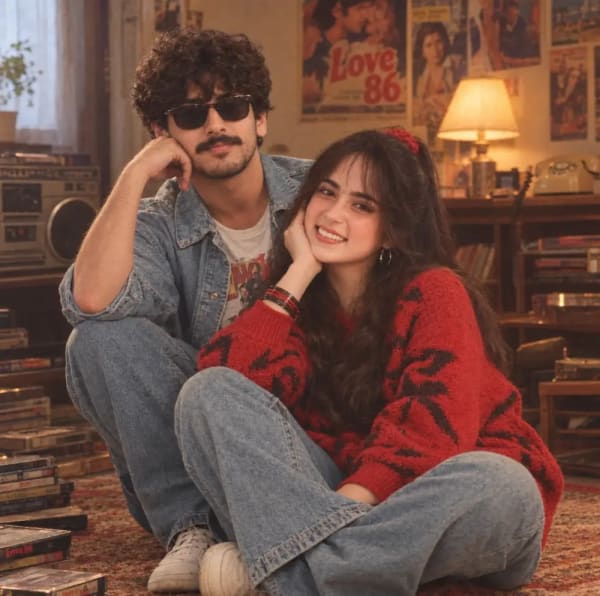
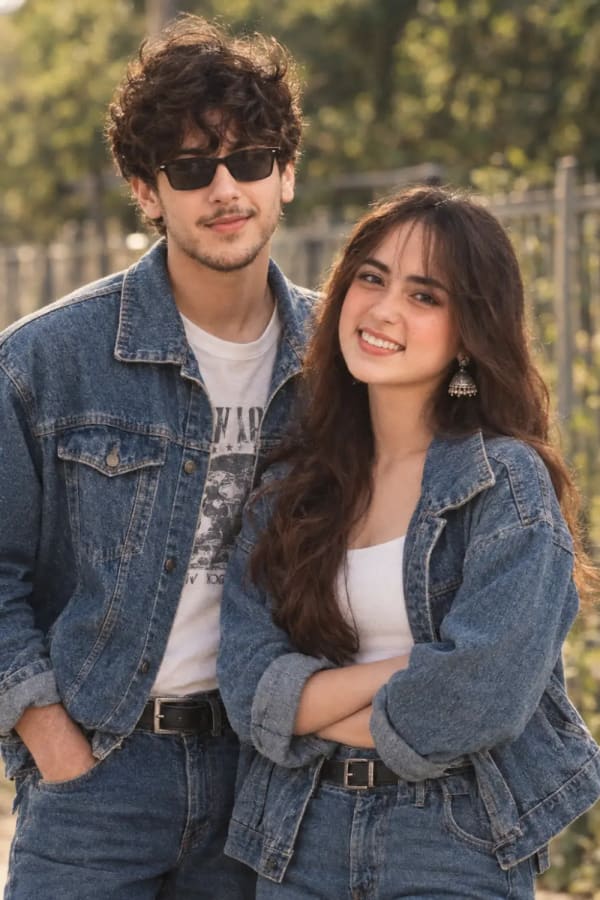
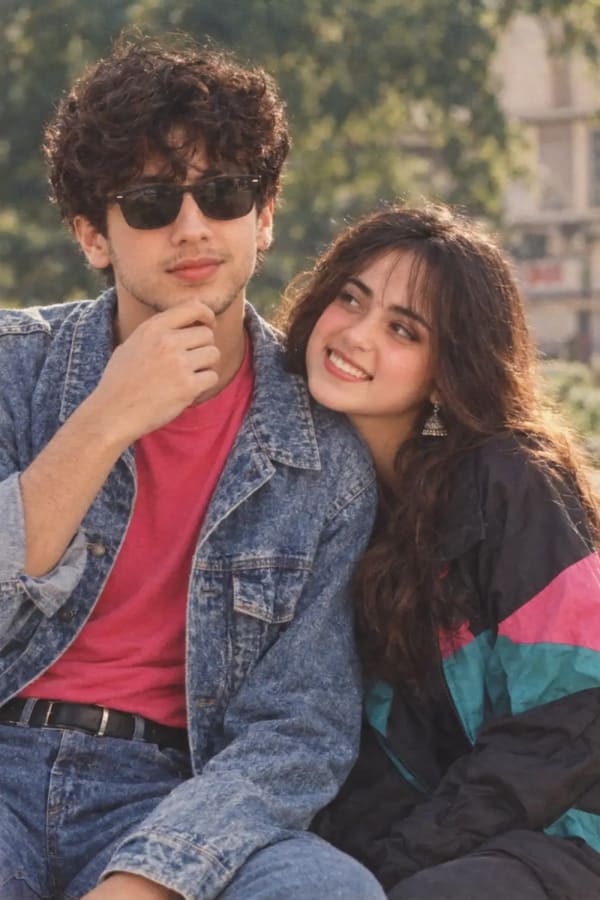

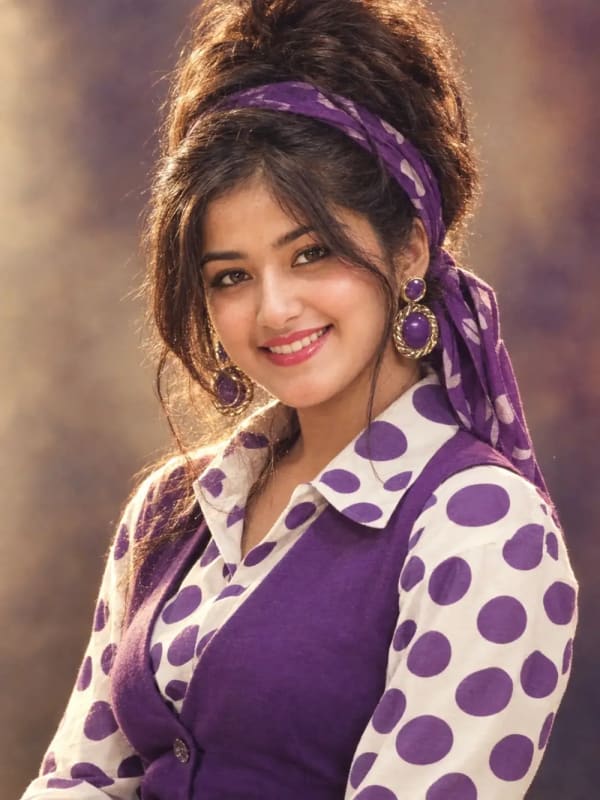
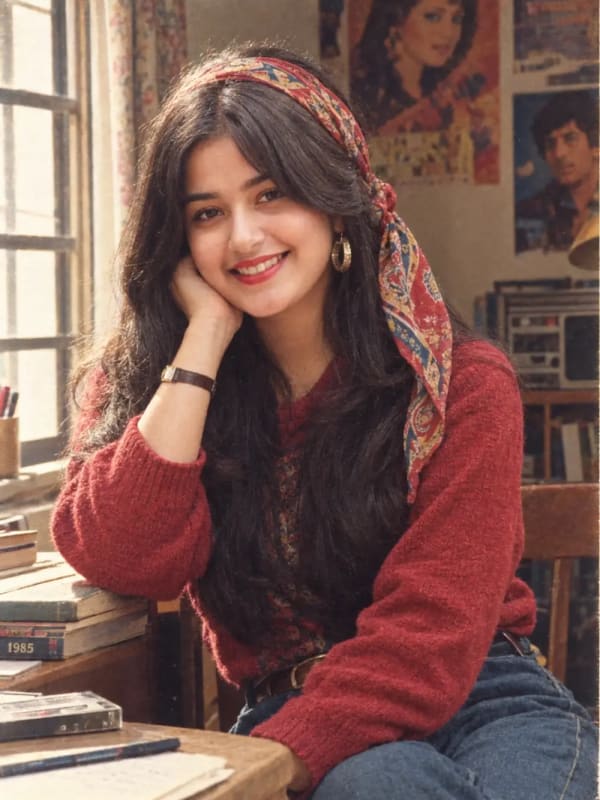
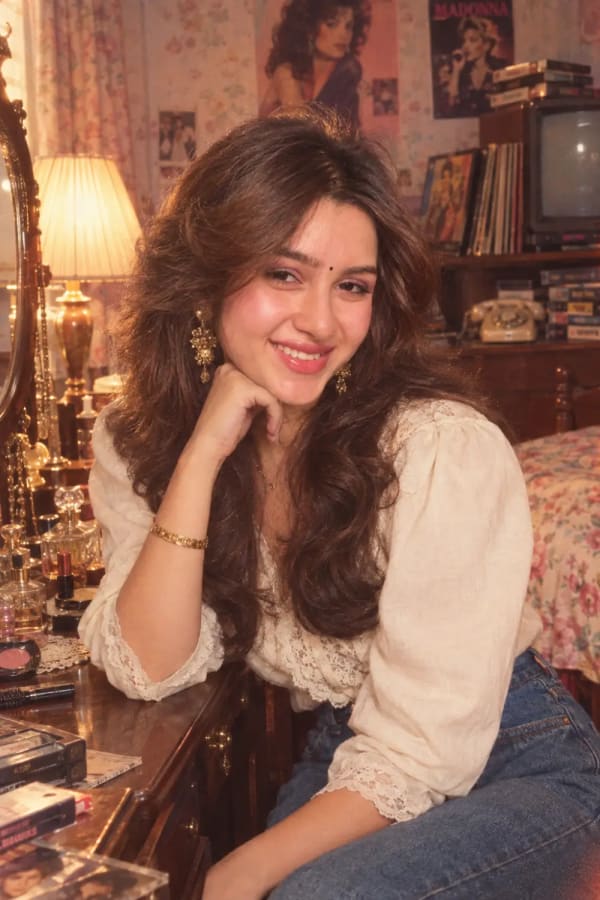

Retro 1980s Living Room Portrait of Young Couple in Denim
This prompt generates an intimate vintage-inspired portrait of a young couple sitting together on a retro rug inside a warm, lived-in living room. The man wears a blue denim jacket and sunglasses while leaning back, and the woman wears an oversized red patterned sweater with matching bangles. Captured with a 50mm lens and analog 35mm film aesthetics, the scene features soft tungsten lighting, shallow depth of field, and nostalgic background elements like vintage posters and a boombox. Ideal for creators seeking realistic retro aesthetics and cinematic couple photography.
How to Use Promzio
Getting started takes less than 30 seconds. No account, no payment, no complicated setup — just find a prompt you like and start creating right away.
Find Your Prompt
Use the search bar at the top to look up any topic — a style, a subject, a mood, or a use case. Or simply browse the category tabs to explore all available prompts. Each card shows a preview image, title, and description so you know exactly what you are getting before you copy.
Copy in One Click
Hover over any prompt card and click the "Copy Prompt" button. The complete prompt text is instantly copied to your clipboard. You do not need to select, highlight, or manually copy anything. No account is required and it is completely free — every single time.
Paste Into Any AI Tool
Open any AI tool you are already using and paste the copied prompt into the input field. The AI will generate a result matching the style, composition, and mood of the prompt.
Keep in mind: The preview images on our prompt cards were created using a specific reference image or seed. Pasting only the text prompt will produce a similar style — but with a different subject or face. If you want the result to feature your own face or a specific person, upload your own reference photo in your AI tool alongside the prompt.
Build Your Own Prompt
Did not find a prompt that matched what you had in mind? Or do you have a specific idea you want to bring to life — exactly the way you imagined it? The Prompt Builder is made for this. Describe what you want in your own words, pick a few filters, and get a complete, ready-to-use prompt built for you in seconds — no experience needed.
Try the Prompt BuilderReady to start creating?
Browse 451+ free prompts — no sign up, no credit card, no limits.
Everything You Need to Know About AI Prompts
From beginner guides to advanced techniques, our blog covers it all. Learn how to write prompts that actually work, discover which AI tools are worth your time, and stay updated on what is trending in the world of AI. Every post is written to help you create better, faster, and smarter — with zero technical knowledge required.
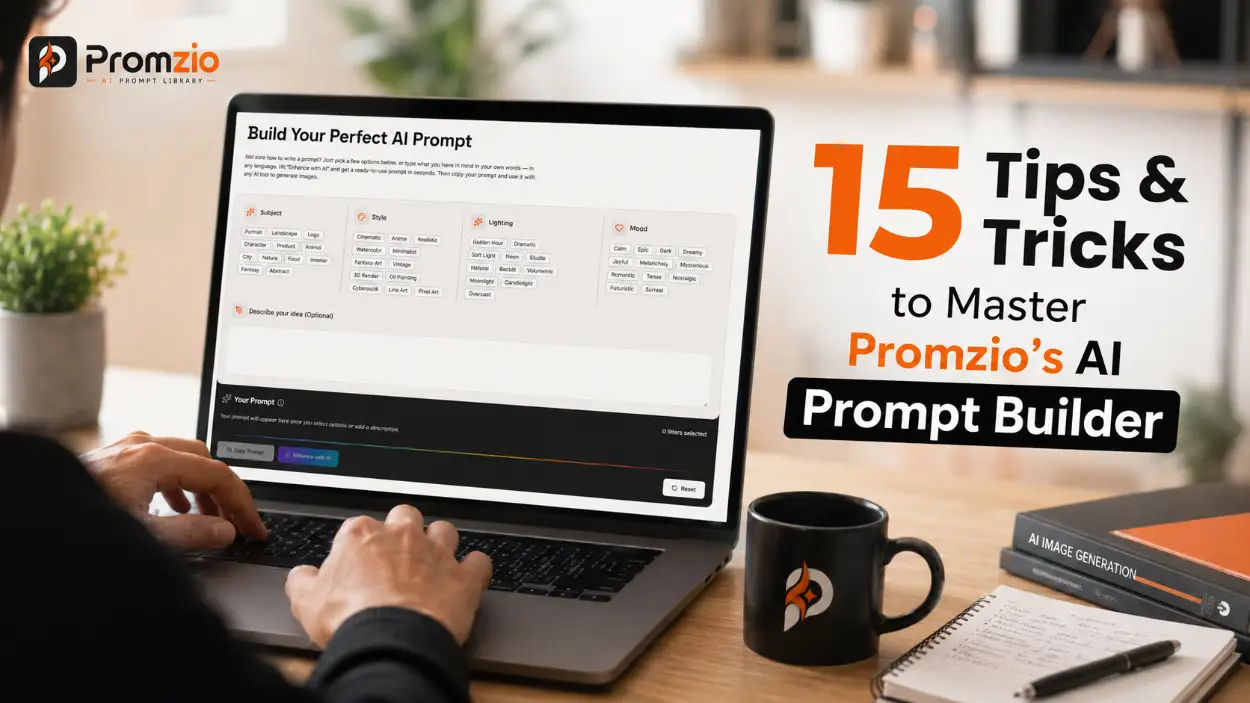
15 Tips & Tricks to Master Promzio's AI Prompt Builder
Most people click two filters, copy the output, and wonder why their AI images look average. These 15 tips — built from real usage of Promzio's Prompt Builder — show you exactly what separates a mediocre result from a strong one, including when to use "Enhance with AI" and when the base prompt is already the right answer.

 Tips & Tricks
The Prompt Formula Professional AI Artists Rarely Share
Every "how to write AI art prompts" guide says the same thing: describe good lighting, mention a camera angle, add some adjectives. That advice isn't wrong, exactly. It's just aimed at the wrong layer of the problem.
 Trending
The AI Prompt Trend Nobody's Talking About Yet — But Should Be
If you are still buying "10,000 Prompt Bundles" or copying long, complex persona scripts into ChatGPT, you are practicing an outdated art.
 Guide
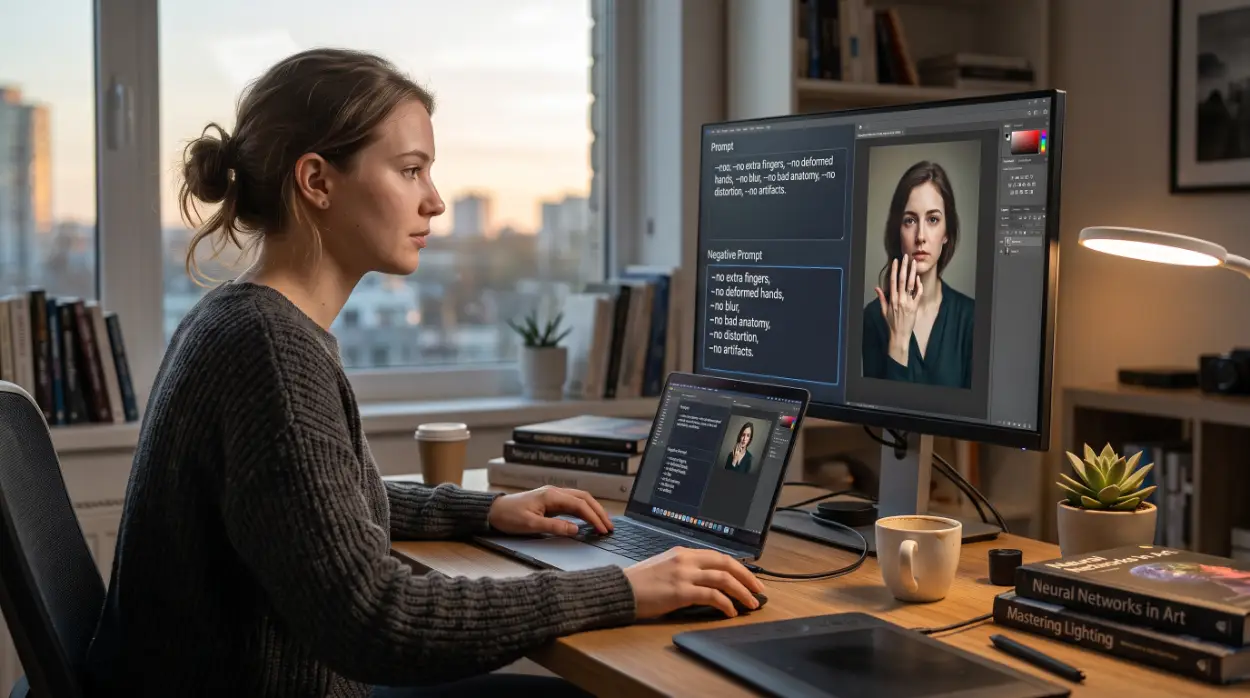
GuideThe "Negative Prompt Stacking" Trick Almost No One Uses to Fix AI Image Errors
If you've spent more than a week generating AI images, you've probably built yourself a "master" negative prompt. You know the one — a 150-200 word block of everything bad you've ever seen an AI draw, copied from a Reddit thread in 2023 and pasted into every single generation since. blurry, bad quality, lowres, extra limbs, mutated hands, deformed fingers, plastic skin, 3d render, cartoon, anime, text, watermark, signature, ugly, bad anatomy, out of frame, close up, long neck, asymmetric eyes... and on it goes.
Never Miss a Great Prompt Again.
Every Sunday, we send our top 10 hand-picked prompts directly to your inbox. Save hours of searching and start creating instantly. Trusted by over 10,000 creators worldwide — and completely free, forever. Join them today.
We respect your privacy. No spam, ever.