Comparison
The Hidden Costs of "Free" AI Image Tools Nobody Compares
If you're not paying for the product, you are the product. It's a cliché at this point, but it has rarely been truer than it is with free AI image generators.
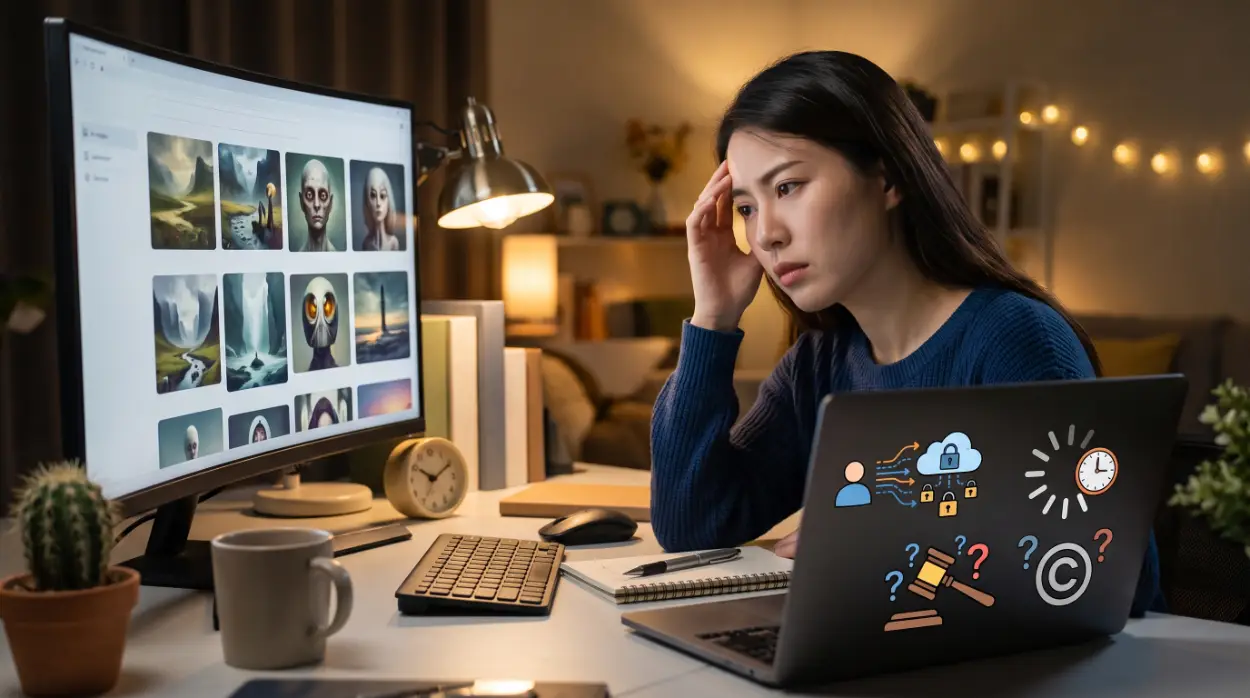
Search "best free AI art generators" and you'll find dozens of listicles ranking tools by speed, style variety, and interface. What almost none of them mention is that "free" AI image platforms carry real, unadvertised costs — costs that show up not in your wallet, but in your time, your data, and occasionally your legal exposure. This article skips the usual feature comparison and goes straight into the trade-offs that actually matter once you start relying on these tools regularly.
Who This Is Actually For
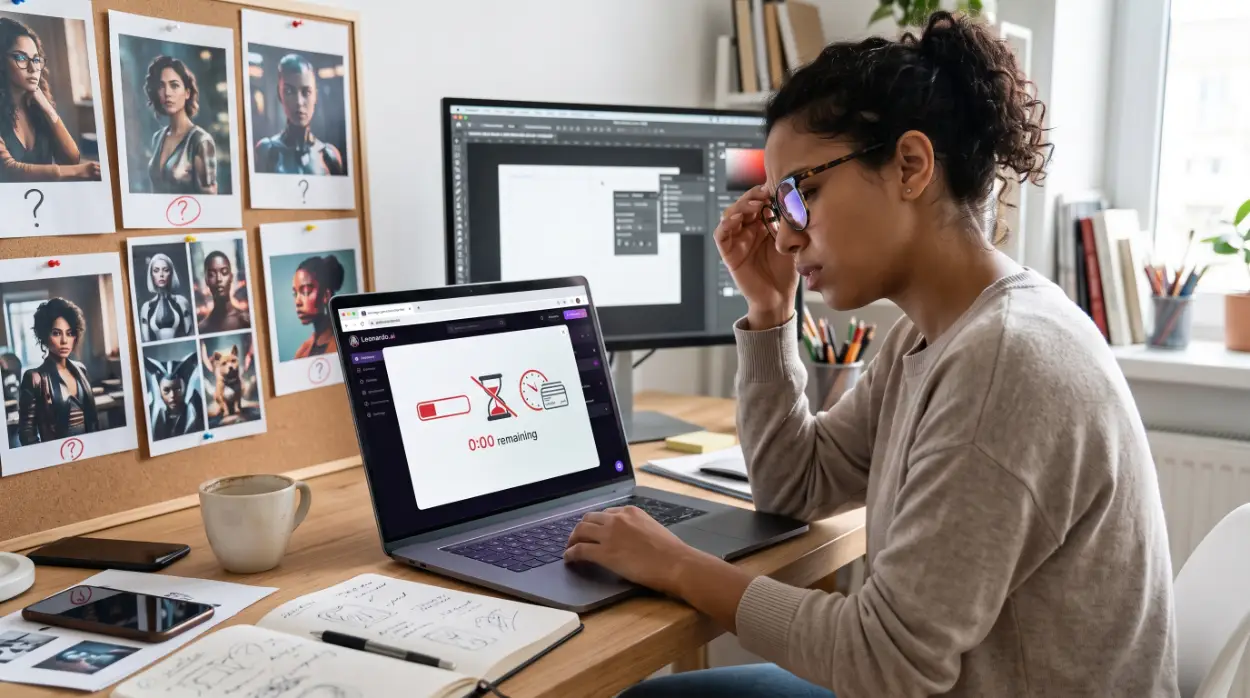
This breakdown is written for three overlapping groups:
Casual creators and bootstrappers relying on daily free credits from platforms like Leonardo.ai or NightCafe
People hesitant to pay for a subscription and sticking with basic free-tier web tools instead
Freelance designers and marketers trying to use zero-cost image tools for actual client work, without realizing what that decision quietly commits them to
If you fall into any of these, the four costs below are worth understanding before you build a workflow around a free tier.
Cost 1: Your Data Doesn't Stay Yours
Free AI image tools need enormous volumes of data to keep improving their models, and free-tier usage is one of the cheapest ways for a company to collect it. What you upload as a reference image, and what you type as a prompt, often doesn't stay private.
This isn't a theoretical risk — it's written directly into the terms of service of major platforms. Leonardo.ai, one of the most widely used free image generators, is explicit about this split: content generated on the free tier is treated as public by default, and free users cannot opt out or mark their creations private. That public content can be used for model training, shown in the public community feed, and remixed by other users. Paid subscribers get a genuinely different deal — private-mode generations that Leonardo states it will not use for training without separate written consent.
The real risk here isn't abstract. If you upload an unreleased product sketch, a client's brand assets, or a proprietary design concept to a free tool to "just test an idea," there's a real chance that content becomes part of a public feed or training pipeline you have no way to pull it back from.
Cost 2: The Time Sink (The "Cheap AI" Tax)
Free tools save your wallet and drain your calendar instead. Image generation is computationally expensive, and free users are, understandably, not the priority for that compute.
In practice, this shows up as queue deprioritization — several platforms explicitly place paid users ahead of free users when server demand spikes, meaning your free generations wait longer during peak hours even though the generation itself takes the same amount of time once it starts. On top of that, free tiers commonly default to lower step counts, smaller image dimensions, or older model versions to conserve server resources — which directly affects how clean your output looks, especially on detail-heavy prompts.
The compounding effect is the real tax: a lower-quality default model produces more distorted hands, garbled text, and awkward proportions, so you end up re-rolling the same prompt multiple times to get one usable image — burning through your daily credits and your patience in the process. A premium tier, or a well-configured local setup, often gets a usable result on the first or second try.
Cost 3: Zero (or Murky) Commercial Rights
This is the cost that catches freelancers and small business owners off guard the most, because it's easy to assume "I generated it, so I own it." That's often not true on a free tier.
Using Leonardo.ai as a concrete, well-documented example: on the free plan, Leonardo itself retains the intellectual property rights to the images you generate. You're granted a non-exclusive, royalty-free license to use your creations — including commercially — but the company, not you, technically holds the underlying IP. Upgrading to a paid plan is what actually transfers full ownership to you. This distinction is usually buried several pages into a platform's Terms of Service, not mentioned anywhere on the pricing page itself.
Midjourney is a useful comparison point here, though not the way most guides frame it — Midjourney doesn't have a free tier at all anymore. Its original free trial was discontinued back in 2023 due to demand and abuse, and as of 2026 every generation on Midjourney, from your very first image, requires a paid subscription. If you're budgeting your image-generation strategy around Midjourney being a free fallback option, that assumption is out of date.
The broader legal risk beyond ownership: free tiers generally don't offer indemnity. If a generated image happens to closely resemble existing copyrighted art (a real and ongoing risk with generative models), you — not the platform — carry the legal and financial exposure if that image ends up in a paid client asset or advertisement.
Cost 4: Resolution Caps and Watermarks
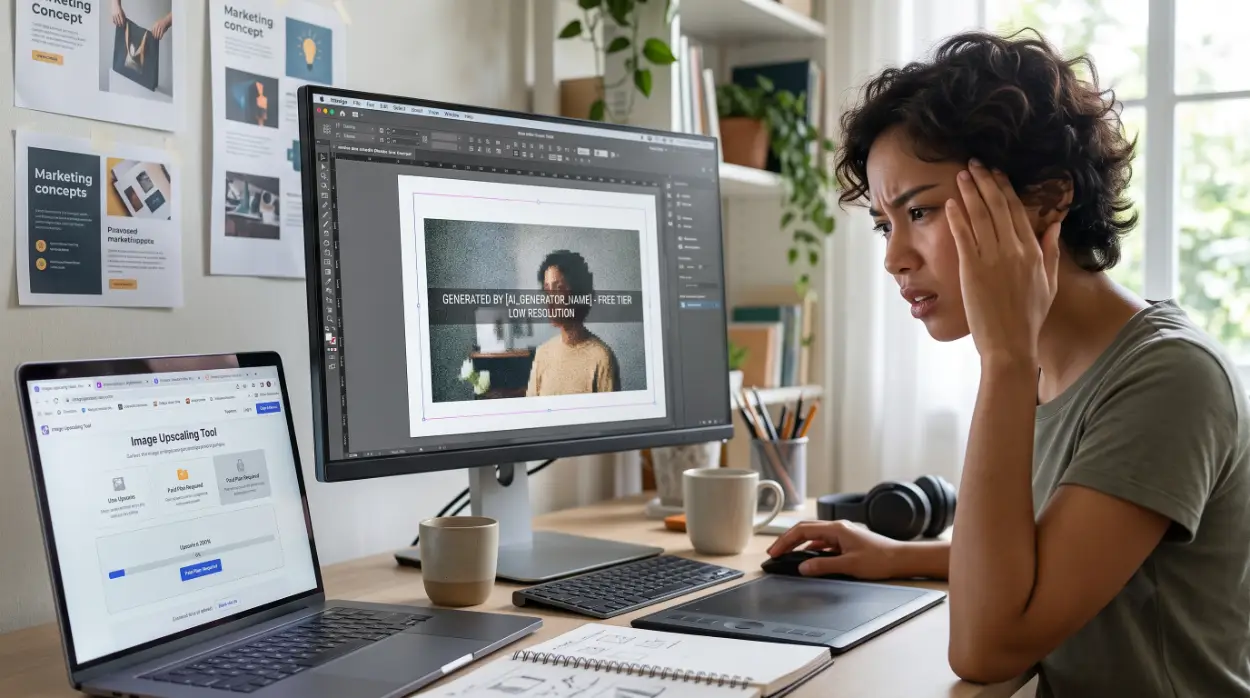
The most visible cost, and the easiest one to underestimate. To create pressure toward an eventual upgrade, free tiers commonly cap technical output quality in one or more ways:
Resolution limits — many platforms default free-tier generations to what's sometimes called "thumb resolution" or a fixed low megapixel count, well below what's usable for print or professional presentation without a separate upscaling step
Visible or embedded watermarks — this varies significantly by platform; some free tools (like certain NightCafe generation types) are watermark-free by policy, while others attach a visible mark unless you upgrade, so this is genuinely a "check before you commit" detail rather than a universal rule
Slower or capped upscaling tools — even where basic upscaling exists on a free tier, higher-quality upscalers are frequently locked behind a paid plan
None of these individually ruin a casual personal project. But if you're prepping assets for print, a pitch deck, or a paid ad campaign, a capped-resolution free-tier image often means an extra round of manual upscaling and cleanup — labor that a $10-15/month plan would have eliminated entirely.
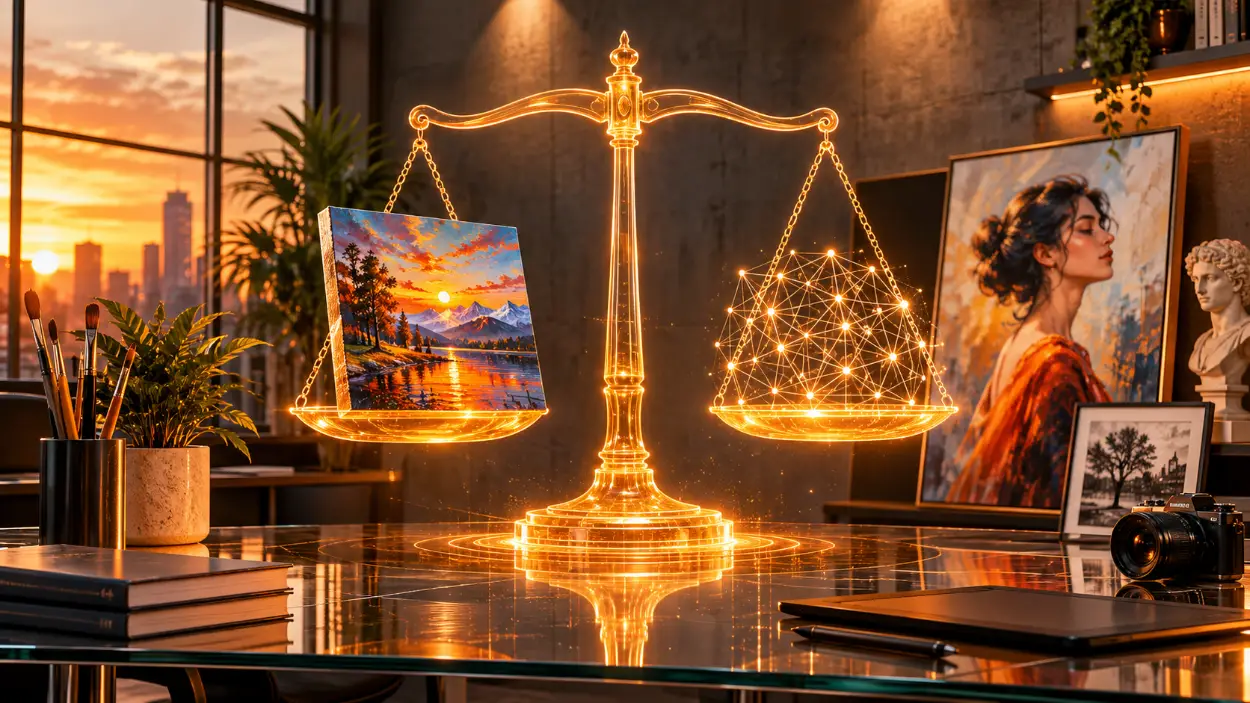
Free Web Tools vs. Paid Subscriptions vs. Local Open-Source: A Real Comparison
Category | Free Web-Based Tools | Paid Subscription (e.g., Leonardo Paid, Midjourney) | Local Open-Source (Stable Diffusion / Flux via ComfyUI) |
|---|---|---|---|
Data Privacy | Low — inputs often used for training by default | Medium to High — varies by platform's private-mode terms | Highest — nothing leaves your own hardware |
Generation Speed | Slower — lower-priority server queues | Fast — dedicated processing priority | Depends entirely on your own GPU |
Commercial Rights | Often unclear or platform-retained | Usually clear, full ownership | Fully yours, no platform terms involved |
Output Quality | Capped resolution, may include watermarks | High — full resolution, no watermarks | Uncapped — limited only by your hardware and settings |
Ongoing Cost | $0, paid in time and data instead | $10-60+/month depending on platform and tier | One-time hardware cost (if you don't already own a capable GPU) |
A Realistic Example: The Same Prompt, Two Outcomes
Take a moderately complex prompt: "Cinematic shot of a futuristic cyberpunk workspace, high-tech monitors showing code, neon lighting, highly detailed, photorealistic."
On a typical free tier: you wait in a queue during a busy period, the result comes back with garbled text on the monitor screens and slightly warped proportions on background objects, and — because you're on the free plan — you often don't have access to a targeted inpainting or fix tool. Your only option is to re-roll the entire prompt from scratch, spending another one of your limited daily credits on a full regeneration instead of a small, targeted fix.
On a paid tier or a properly configured local setup: the image renders with a fraction of the wait, the details hold up better because you're not on a stripped-down default model, and if something is still slightly off, you can fix that one region directly instead of starting over.
The point isn't that free tools are unusable — for casual, low-stakes exploration, they're genuinely fine. The point is that "free" quietly shifts the cost from your card to your hours, and most beginners don't notice the trade until they're several wasted regenerations in.
How to Actually Avoid These Hidden Costs
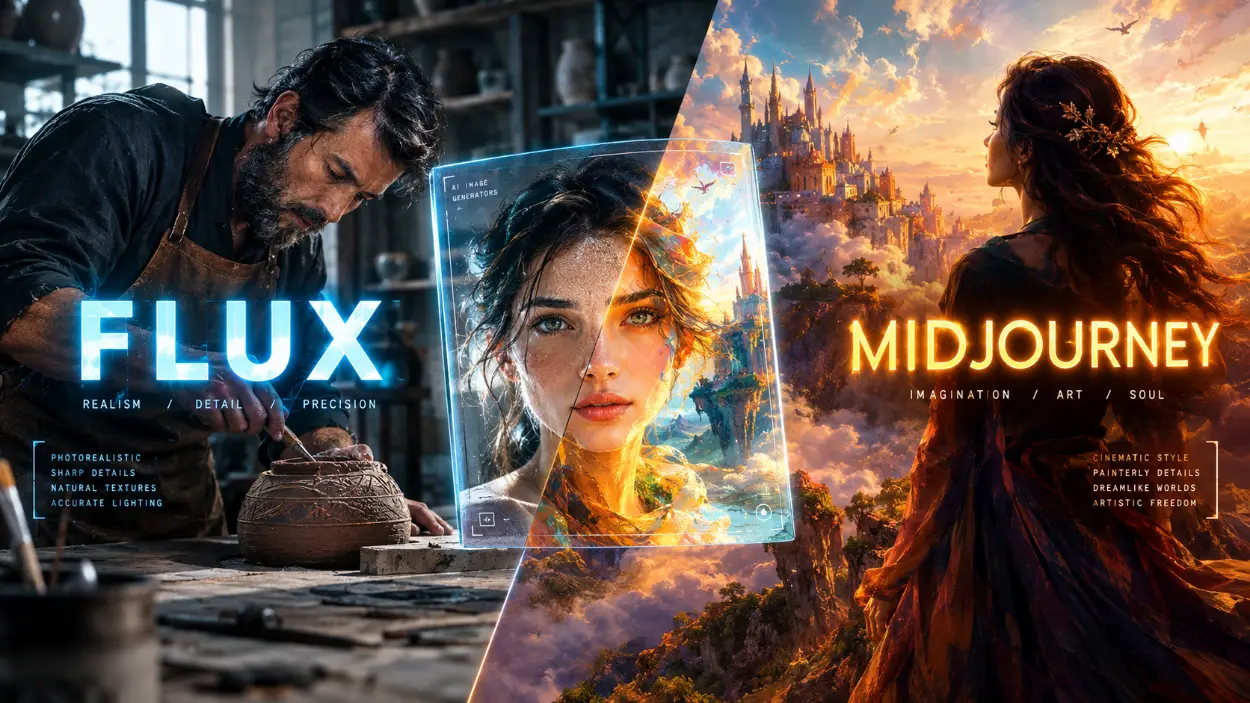
Go local if your hardware allows it. If you have a computer with a reasonably capable dedicated GPU, running an open-source model like Stable Diffusion or Flux through a tool such as ComfyUI keeps your data entirely on your own machine and removes per-generation cost altogether — the only real cost is your own time learning the setup.
Never upload anything genuinely private to a free tool. Client logos, unreleased product concepts, or personal photos shouldn't go into a platform whose free-tier terms explicitly allow training or public exposure.
Actually read the commercial-use section of the ToS, not just the pricing page marketing copy, before using a free tool's output in anything client-facing or paid. The gap between what a pricing page implies and what the Terms of Service actually say is often larger than people expect.
Test one image at full resolution before committing to a workflow. Download it, zoom in, and check for compression artifacts or watermarks before you build an entire client deliverable around that tool.
Frequently Asked Questions
Are all free AI image tools equally risky, or does it vary a lot by platform?
Is Midjourney a good free option for beginners?
If I upgrade to a paid plan later, do I get ownership of images I generated earlier on the free tier?
Is running Stable Diffusion locally actually free, or are there hidden costs there too?
Do watermarks on free-tier images actually matter for casual, non-commercial use?
Can a business get in legal trouble for using free-tier AI images in a paid ad?
Is it worth paying for a subscription if I only generate a few images a month?
Which free tool has the least restrictive terms right now?
Pooja Nair
Brand Identity & Commercial 3D Prompt Specialist
Product designer and brand strategist based in Kochi. Focuses on 3D isometric mockups, minimal clay renders, and corporate marketing prompt systems.